 Canada
 United States
 Bahamas
 Jamaica
 Trinidad & Tobago
 Antigua & Barbuda
 Barbados
 Anguilla
How to Choose HR Software: 9 Things to Check Before You Buy

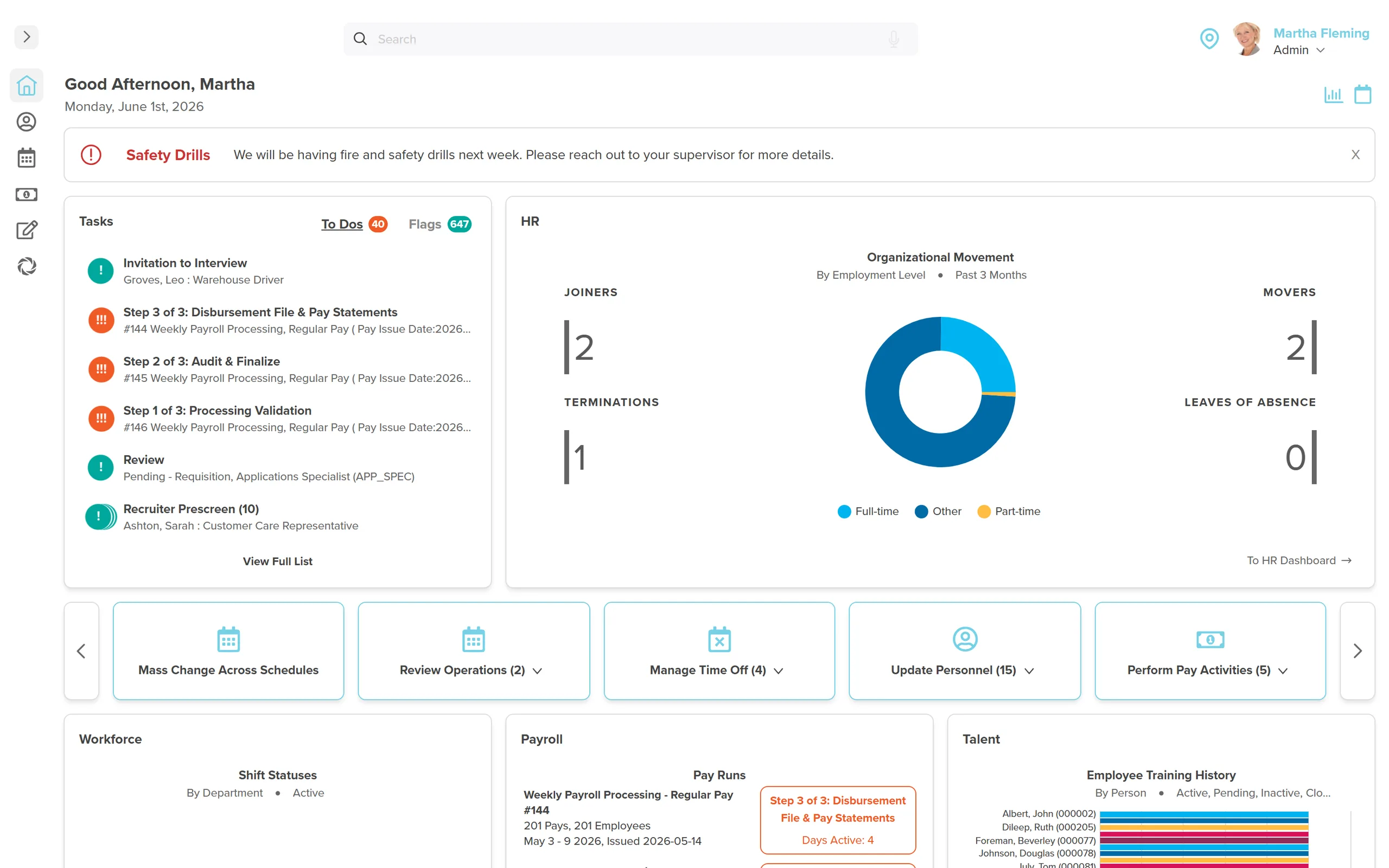
How to choose HR software, in one pass: pick the system that covers the work you do today, that your team will use without a training project, that keeps payroll on the same employee record as everything else, that tells you where your data sits and who owns it, and that lets you leave with it.
Somewhere right now, an insurance brokerage is on a discovery call describing the setup: salaried, hourly and commission staff paid through one person in basic accounting software, and a few affiliate offices running their own payroll on the side. Nobody on the call asks about features. They ask what happens the week that one person is off sick. That's not a features problem. It's a single-point-of-failure problem, and it is where most searches for HR software begin.
One record, not one irreplaceable person. That is the whole test. The nine checks below are ways of applying it, in the order buyers weigh them, with the two that never come up in a demo at the end.
Disclosure: Workzoom wrote this guide and sells one of the products you might shortlist. Read our numbers the way you would read any vendor's, and check them.
1. Define Your Needs
Before you look at any vendor, write down what you're trying to fix. List every HR task you do today, payroll, time tracking, onboarding, performance reviews, and note which ones eat the most hours or carry the most compliance risk. Separate what you need right now from what you'll need at twice your current headcount. A ten-person office prioritizes payroll and basic records. A two-hundred-person organization needs workflow automation and reporting that holds up at scale.
Skipping this step is how organizations end up buying a system built for someone else's business, then spending a year working around it instead of using it.
2. Ease of Use
Software nobody wants to open doesn't get used, no matter how complete its feature list is. A system earns adoption through clear navigation, sensible defaults, and a setup process a new hire can follow without a manual. Check what happens on day one: can an employee submit a time-off request or update a mailing address without filing a support ticket? Ask for a real trial login with your own data, not a scripted demo on someone else's.
Sit someone from outside HR in front of that trial too. The person who resists a new system loudest in week one is often the person whose time it saves the most once they stop fighting it.
3. Integration
HR software rarely runs alone. It has to talk to accounting, benefits carriers, time clocks, and whatever your finance team already trusts. Before you sign, ask exactly what connects natively, what needs a third-party integration tool, and what still means exporting a spreadsheet and re-typing it somewhere else. A published API is not the same thing as a working connection to your specific stack.
Ask about your actual payroll provider and your actual benefits carrier by name. "We integrate with most systems" is not an answer. A live demo of your specific stack is.
4. Data Security and Compliance
HR software holds some of the most sensitive records in your company: banking details, health information, government identifiers. Confirm where the data is physically stored, who at the vendor can access it internally, and what security practices the company follows day to day, not what a marketing page claims. Ask what happens in a breach: notification timelines, who is liable, and what the contract itself says.
Get that answer in writing before you sign, not verbally on a call. A vendor's real practice and its sales pitch aren't always the same document.
5. Scalability and Flexibility
The system you pick at 60 employees shouldn't be the reason you're migrating again at 150. Ask what changes as headcount grows: does pricing jump in large steps, does a new module require a fresh implementation, does the system handle a second location or a new province without a workaround. Get a straight answer on what triggers a re-platforming decision down the road.
A ceiling at 200 employees is fine if you're staying at 150. It's an expensive mistake if you're actively hiring.
6. Cost and ROI
The number on the pricing page is never the full number. Ask about implementation, training, support tiers, add-on modules, and what happens to the price at renewal. Then weigh that total against what the system saves in return: hours no longer spent on manual data entry, errors no longer corrected after the fact, and reports that used to take a day now taking minutes. The cheapest line on a pricing page and the best value are frequently two different vendors.
7. Vendor Support and Reputation
A system is only as reliable as the people behind it when something breaks. Check how support works day to day: a named contact, a ticket queue, or a chatbot that loops you back to a form. Ask for a reference at your size and industry, and ask that reference what went wrong in the first ninety days, not only what went right.
A reference call takes fifteen minutes, and it's the fifteen minutes most buyers skip under a deadline. It's also the fifteen minutes that catches what the sales deck can't.
The next two rarely show up in a demo. They show up on the discovery call after you've already been burned once.
8. Implementation and Data Migration
Every evaluation eventually reaches the same question: who does the real work of getting you live? Ask exactly who migrates your existing employee records, how many hours your own team needs to commit, and what's included in that number versus billed separately. Get the timeline in writing, not a range from memory, and ask in advance what happens to that timeline if your own team falls behind.
A vendor that owns the migration and prices it into the subscription has a different incentive than one that bills implementation hourly and has no reason to move fast. Our own breakdown of what a phased implementation takes covers the hours in more detail.
9. Exit Terms and Data Ownership
Nobody signs a contract planning to leave, which is exactly why this question gets skipped and exactly why it matters. Ask what format your data comes back in if you switch vendors in three years: a usable export, or a PDF dump nobody can import anywhere. Check the contract length, the notice period to cancel, and whether the vendor can raise the price mid-term, and by how much.
The answer to "what happens if we leave" is the honest test of whether a vendor is confident in the product, as opposed to only in the contract.
How to Choose HR Software: The Requirements Table
Use this as a script for your next round of vendor calls. Nine questions, what a good answer sounds like, and what a bad one sounds like.
| Consideration | Ask the vendor | Good answer | Bad answer |
|---|---|---|---|
| Define your needs | Which specific tasks does this replace for us today? | Names your exact tasks and points to the matching module. | Points to a generic feature list and asks what you're looking for. |
| Ease of use | Can we try it with our own data before signing? | Offers a live trial or sandbox loaded with your data. | Only offers a scripted demo on their own sample data. |
| Integration | What connects natively versus needing a third-party tool? | Names your specific systems and shows a working connection. | Says "we have an API" with no example. |
| Data security and compliance | Where is our data stored, and what's your breach notification process? | Names the region, the practice, and a specific notification timeline, in writing. | Says "we take security seriously" with no specifics. |
| Scalability and flexibility | What changes in price or setup at double our headcount? | Gives a specific pricing tier and names what triggers a change. | Says the system "scales easily" with no numbers attached. |
| Cost and ROI | What's the full cost including implementation, training, and year two? | Provides a written, itemized total for your exact headcount. | Quotes only the base per-employee rate. |
| Vendor support and reputation | Can we speak to a reference at our size, and what broke in their first 90 days? | Provides a reference who answers candidly. | Provides a written testimonial only, or no reference at all. |
| Implementation and data migration | Who migrates our existing records, and how many hours does our team need? | Names the hours, the timeline, and exactly what's included. | Says migration is "included" with no hours or timeline attached. |
| Exit terms and data ownership | What format do we get our data back in if we leave, and what's the contract length? | Names a usable export format, contract length, and notice period, in writing. | Says data export is "available on request" with no format named. |
What HR Software Costs
The published market range for HR software in 2026 runs from $5 to $30 per employee per month, depending on how much of the stack you're buying and from whom. Basic HR-only systems sit at the low end. Full suites with payroll, workforce management, and talent all included run toward the top.
Workzoom, our own product, is $4 per employee per month per suite, or $16 per employee per month for all four suites, HR, Payroll, Workforce, and Talent, together, with implementation, migration, training, and support included at no extra cost. Pricing starts at a 50-employee minimum, and organizations under 100 employees carry a monthly minimum ranging from $400 for one suite to $700 for all four. Canadian customers are billed in Canadian dollars. Every other market bills in US dollars at the same numeric rate. See our full pricing for the details, and ask any other vendor on your shortlist for their equivalent numbers in writing.
What Implementation Takes
Budget your own team's time, not only the vendor's price tag. A phased HR software implementation runs your payroll lead, HR team, and frontline managers roughly 20 to 25 hours over eight weeks per module, a number we've tracked across our own implementations. Those need to be real, focused hours spent validating configuration and testing workflows before go-live, not time squeezed between three other meetings. Most organizations get their first module live in four to twelve weeks. Larger or more complex rollouts run twelve to thirty-six.
Data Residency and Compliance
In Canada, HR software sits under PIPEDA at the federal level, plus provincial privacy law where it applies, and most vendors will let you elect which region your data is stored in. Ask for that election in writing, not a general claim about being "Canadian." Our Canadian HR software ownership breakdown covers how ownership and hosting are two separate questions across eighteen vendors, and neither one answers the other.
In the United States, a growing number of states run their own employee data privacy laws, each with different requirements. That means the question of where the data sits and who can access it needs asking state by state, not assumed to be uniform nationally. Ask any vendor to name the specific law they comply with in your state, not a general assurance.
One Client, One Number
"We wouldn't be able to hire the people that we do anymore with the same resources we already had. It's allowed us to keep our headcount consistent without needing to increase, saving us time and money."
Greg Belmore, Manager of Human Resources, County of Renfrew
The County of Renfrew, Ontario's largest county, runs Workzoom as its HR system across more than 900 employees. Before 2023, hiring ran through email and Excel, with hundreds of resumes read manually per posting. After moving recruiting and onboarding online, the county brought on 32 new hires in three months without adding headcount to the HR team. That's what the implementation and exit-terms questions above are testing: whether a system holds up at your real headcount, not a demo headcount. Read the full County of Renfrew case study for the specifics.
Want a second opinion on your shortlist?
Book a walkthrough and we'll go through your requirements list, your headcount, and where Workzoom does and doesn't fit. No pressure either way.
Book a walkthroughNone of this replaces reading your own contract closely, but a checklist beats going in cold. If you're evaluating options for a team between 100 and 900 employees, our guide to HR software for midsize companies narrows the shortlist further, and our piece on picking a vendor as a strategic partner, not only a system covers the relationship side these nine points don't touch. If you've already been through one bad rollout, our list of seven HR software buying mistakes that cost millions covers a different angle: what goes wrong after the contract is signed, not before it.
See Workzoom in 30 minutes.
Real product, real questions, no slides. Starts at $4 per employee per month, CAD or USD, with $0 setup fees.
What readers ask after this post on how to choose HR software.
Our clients
The teams that run their people on Workzoom.













Workzoom handles HR, payroll, workforce, and talent on one employee record. Book a 30-minute walkthrough.