Canada
 United States
 Bahamas
 Jamaica
 Trinidad & Tobago
 Antigua & Barbuda
 Barbados
 Anguilla











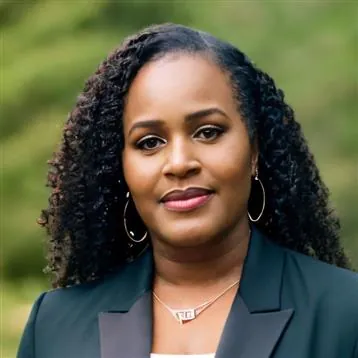
Payroll runs seamlessly, and HR processes are no longer a tedious grind. It's simplified how we work, allowing us to focus more on our people.
Name your critical roles, record a succession plan for each, assign the potential successors you have in mind, and set a readiness level, all maintained by an administrator on the same employee record as HR.
4.5 stars on G2 + Capterra. 49 third-party reviews.1
25+ years in production. Since 2000.2
100% in-house support. Never farmed out.14
$4 per employee / month / suite.3
Workzoom succession planning software answers who is ready to step into a key role when the person holding it retires or leaves.
Workzoom succession planning software lets an administrator name key positions, record a succession plan for each, assign potential successors, and set a readiness level. An administrator can compare a successor's recorded skills and certifications against the target job profile and review the plans through built-in reports. Because succession sits on the same employee record as performance, learning, and position data, an administrator references current information while planning, though updating a plan or readiness is a step they take rather than an automatic feed. Workzoom succession planning software is built for employers with 50 to 5,000 employees.
Our clients
Plans built on stale, manually gathered input go out of date immediately. They describe an org that no longer exists.
Workzoom keeps succession plans on the employee record, so an administrator can update successors and readiness whenever something changes rather than once a year.
Every Workzoom suite shares the same employee data, so succession stays current with payroll, HR, workforce, and talent without an export or an integration to maintain.
Record a succession plan against a position and assign the potential successors you have in mind, so the names for each critical role live in Workzoom instead of a private spreadsheet. Plans are created and maintained by an administrator.
An administrator assigns a readiness level to each potential successor, so the bench for a role is recorded in one place. To gauge a successor, an administrator can compare their recorded skills and certifications against the target job profile.
Succession plans are built against positions, so the plan for a critical role stays in place when the person who holds it changes. When a role opens, the successors an administrator has recorded are already there.
Create a succession plan against a position rather than the person who holds it, and assign one or more potential successors. The plan stays with the role, so it remains useful when the incumbent changes. Plans are created and maintained by an administrator.
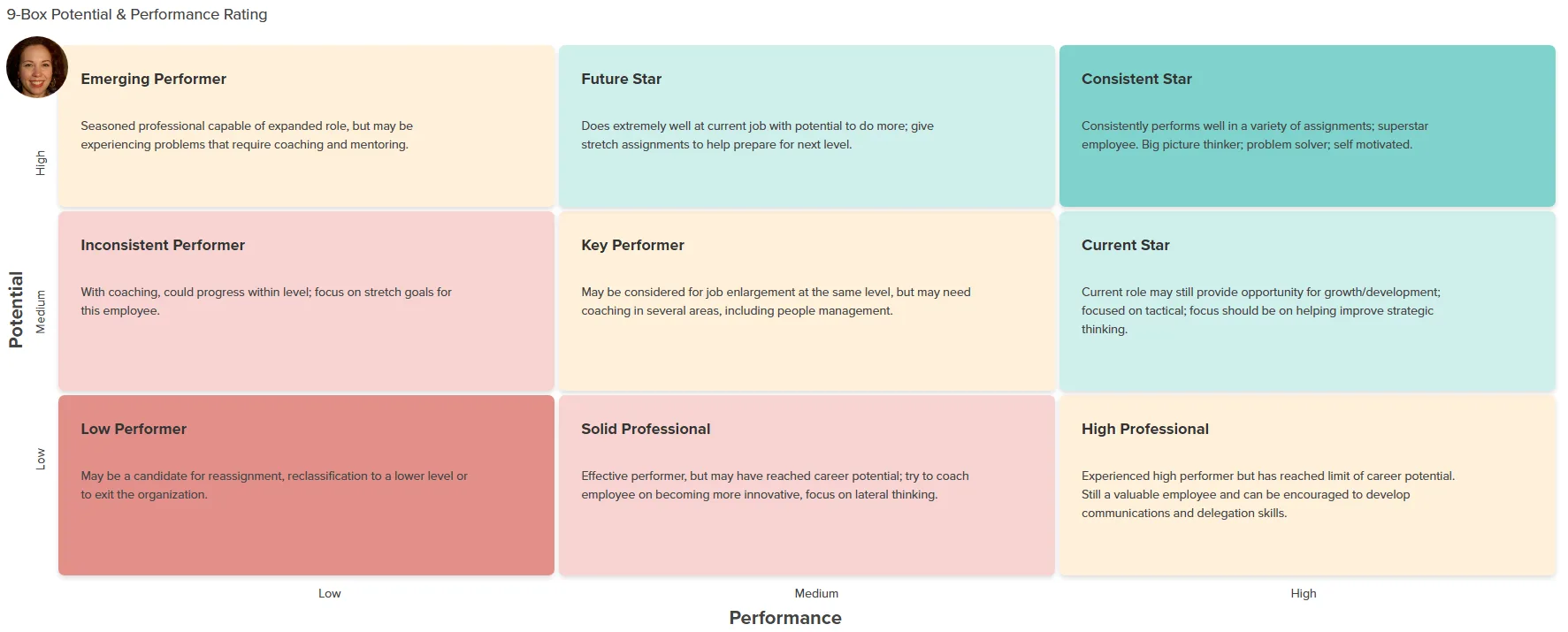
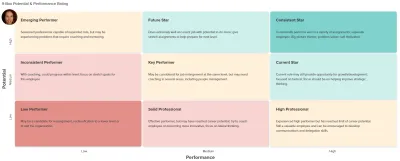
An administrator assigns a readiness level to each successor and can compare the successor's recorded skills and certifications against the requirements defined on the target job profile. The comparison is run by the administrator, not generated automatically.
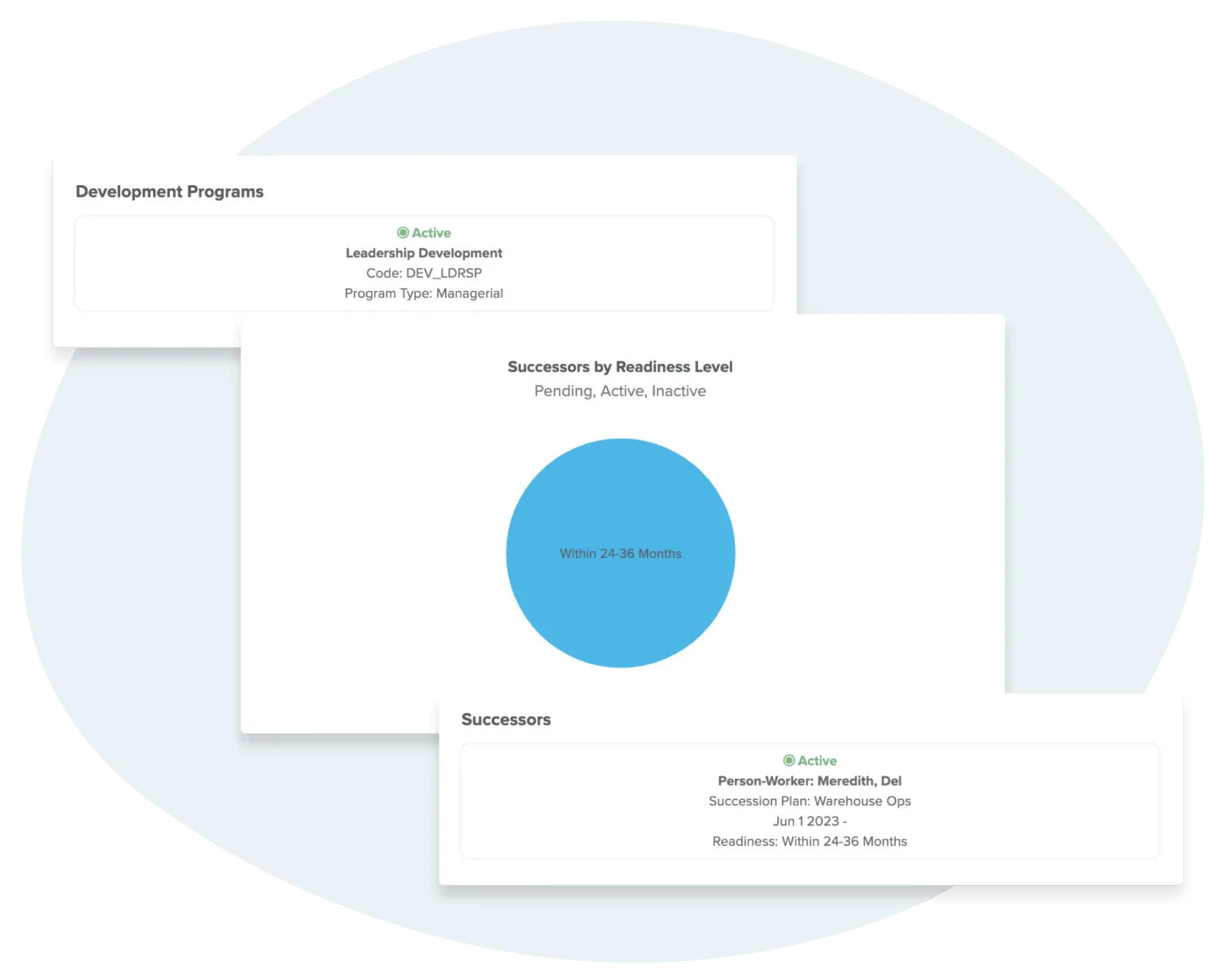
Succession plans sit on the same employee record as performance, learning, and position data, so an administrator reviewing a successor works from current information without re-keying it. Updating a plan or a readiness level is a step an administrator takes.
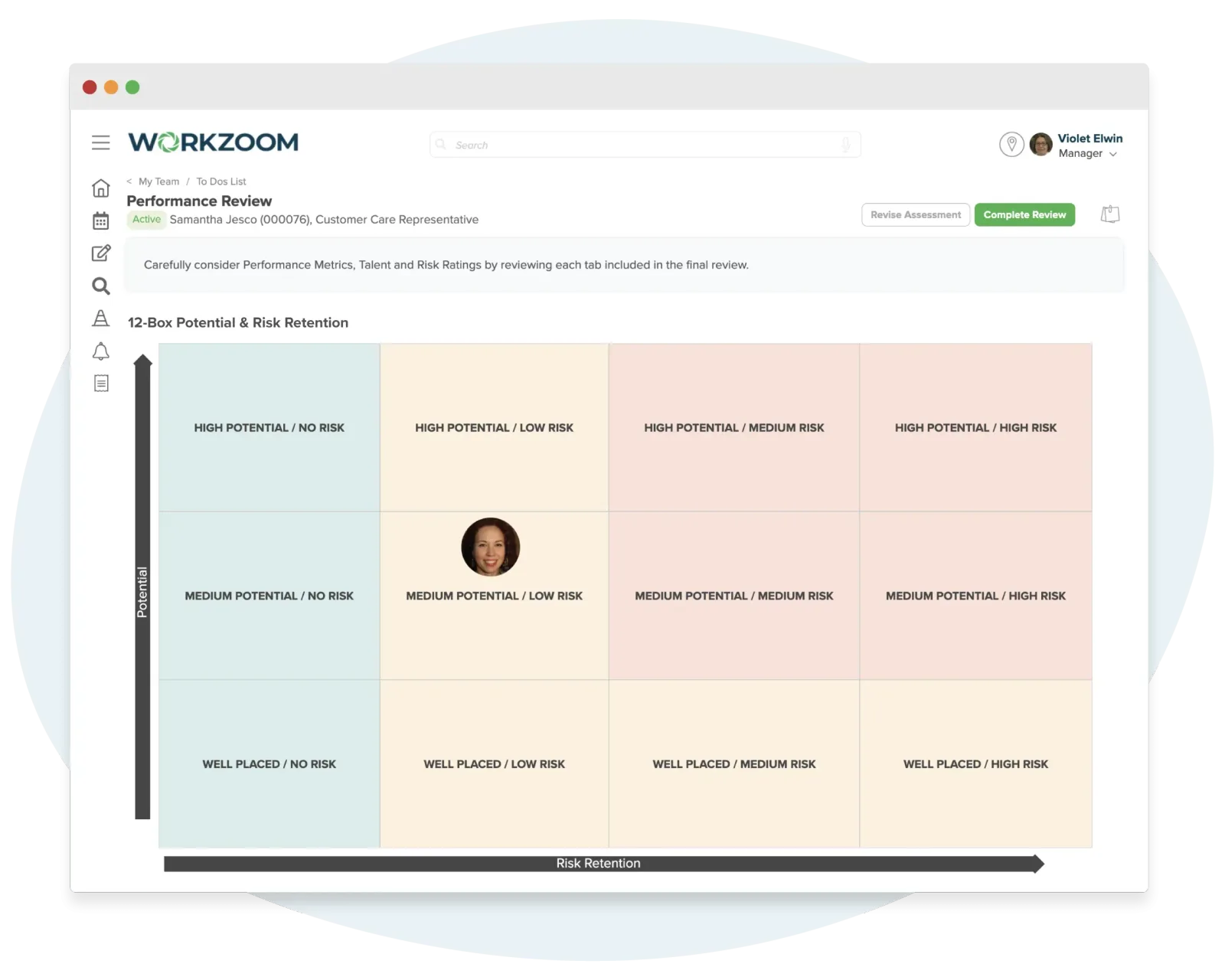
Workzoom includes succession reports that list the plans you have recorded, the successors assigned, and the readiness an administrator has set. They reflect what has been entered, not a live calculation from other modules.
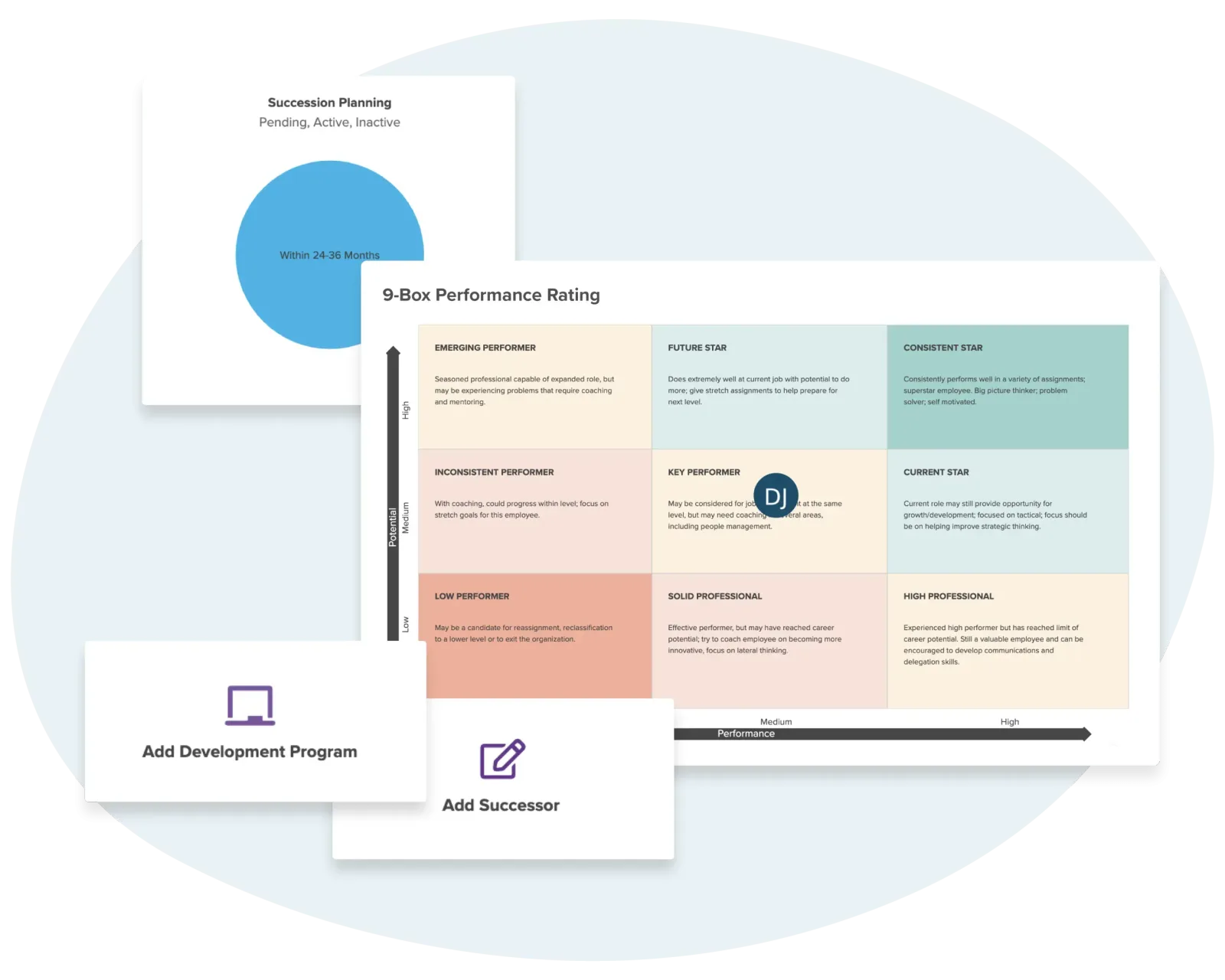
Development plan records are created in the Career Planning module and assigned to employees by an administrator. Succession keeps the plan and successor list; development plans and any course assignments are maintained alongside, by hand, on the same employee record.
Customer stories
Teams running Workzoom succession on real payroll, real schedules, real headcount. View all case studies
Payroll runs seamlessly, and HR processes are no longer a tedious grind. It's simplified how we work, allowing us to focus more on our people.

Before Workzoom, we were buried in spreadsheets. Now HR is so much simpler. We spend less time on admin and more time supporting our staff and residents every single day.

What mattered most was choosing a solution built for businesses like ours. Workzoom delivered everything we needed, from payroll to facial recognition clocks, and worked with us every step.


We would not be able to hire the way we do with the same resources. It has kept our headcount consistent without growing it, saving us time and money every single cycle.

Workzoom completely transformed our payroll process in just one month. So easy to audit, validate, and make corrections, even at the last minute. The support we received was incredible.
Moving to Workzoom was the right move. It gave our dynamic report and payment structures the flexibility we needed, at the right price.

Switching to Workzoom made managing payroll and timekeeping so much easier. We processed our first payroll faster than we expected and now feel far more confident in everything we do.
Keep exploring
Pair Succession with the rest of the Talent Suite. One employee record, nothing to integrate or maintain.
Goal setting, self-evaluations, manager assessments, 360 and peer reviews, and competency assessments, all on the same employee record an administrator uses for compensation, development, and succession decisions.
A course set to apply to a role assigns when someone moves into it, and certifications are recorded with a notification before they lapse. No spreadsheet of who's due.
An administrator tool that maps the routes between roles, records development plans on the employee profile, and compares an employee's skills and certifications against a target job profile, all on the record that runs HR and payroll.
Workzoom is $4 USD per suite per employee per month, or $16 all-in for the full platform. No setup fees, no long-term contract. See pricing.
Get started
A 15 to 60 minute working session, not a slide deck. We walk through Succession live, on your headcount and your industry, then give you a straight answer on fit and price.
Workzoom works with organizations of 50 or more employees. See our minimums.
Frequently asked
Specifics on how Workzoom succession works, what it costs, and how it connects to the rest of the platform.