 Canada
 United States
 Bahamas
 Jamaica
 Trinidad & Tobago
 Antigua & Barbuda
 Barbados
 Anguilla
HCM Software Demo Questions: Send Your Worst Pay Rule First

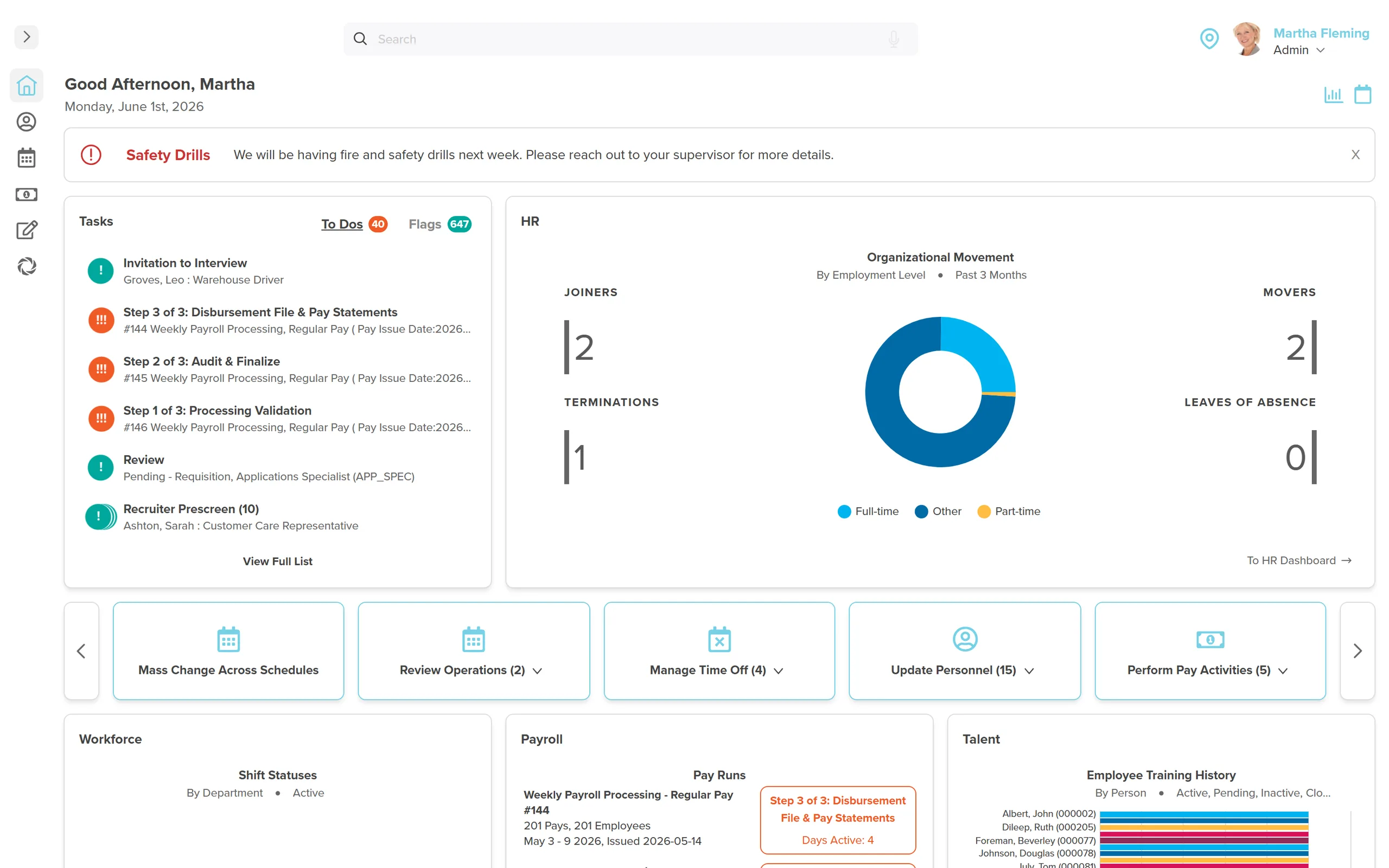
Every scripted HCM demo hides the same thing: the vendor's rehearsed screens, not your actual payroll mess. You watch a flawless walkthrough of a fictional employee named Jane Smith, nod along, and six months later discover the system can't handle your seasonal rate change, your warehouse lead who holds two positions, or the retro pay your union contract just triggered. That's not bad luck. That's a demo you let the vendor control.
If a vendor will not run your worst pay rule live in the demo, that vendor has already failed your evaluation.
Workzoom's answer to "what questions should I ask in an HCM software demo" is simple: stop asking questions the vendor already has rehearsed answers for. Send your ugliest real pay scenario before the meeting, then watch whether the vendor's team runs it live, unscripted, in front of Finance and IT. If they stall or promise a follow-up email, you already have your answer.
You're not bad at evaluating software. The demo format is built to beat you: forty-five rehearsed minutes designed to show the vendor's best day, never your worst pay period.
- Send the vendor your worst real pay scenario, a backdated raise, multi-entity payroll, or a dual-position employee, before the demo, not during it.
- A vendor demo script is built around a clean, fictional employee. Your hris demo checklist should force them off it and onto your real data.
- Ask who does the work after go-live: does the vendor upload your remittance file, or does your team?
- Demo red flags: "we'll follow up on that," a CSV export standing in for an integration, or a quote that ignores the scenario you sent.
- Workzoom runs full gross-to-net payroll live in Canada, the US and the Bahamas, from $4 to $16 per employee per month, no setup fees.
What Questions Should You Ask in an HCM Software Demo?
Most lists of hcm demo questions read the same. "Ask about integrations." "Ask about support." Fine questions. Useless alone, because a trained sales engineer has an answer memorized for every one of them.
The real move is different: hand the vendor your data before the call, not your questions. A retailer running piece work, hourly, salary and commission pay across a dozen-plus setups doesn't need to ask "can you handle complex pay structures." They need to hand over the one pay type still keyed in by hand as a manual exception every stat holiday, and watch someone run it live.
That's the shift. From questions the vendor expects to scenarios they don't.
Send Your Worst Pay Rule Before the Demo, Not During
A real software demo checklist starts with your own worst pay period, not the vendor's talking points. Send these four scenarios at least 48 hours ahead, and ask the vendor to run each one live:
- The multi-cycle payroll. If you run weekly, biweekly and monthly payrolls for different entities in the same week, ask the vendor to process all three from one login, not three systems bolted together.
- The backdated raise. A seasonal or unionized employer with an annual rate change often has to apply it retroactively to the start of the year. Ask the vendor to enter that change today and show you the retro pay calculation, not describe it.
- The dual position. If one person holds two active roles at once, hours need to track per assignment, not blend into one number. Ask the vendor to clock that person into both jobs and show two separate cost lines.
- The multi-entity move. Ask to see one employee moved between entities or departments, and watch what updates automatically: pay scale, benefits eligibility, reporting line. If the answer involves an export and a re-import, that's your answer too.
Workzoom calculates retro pay automatically once a compensation change is backdated, and supports multiple pay rates per employee for exactly this reason. Ask any vendor to prove the same, live, not on a follow-up call.
Questions That Expose the Database Architecture
Ask this one plainly: "If I change this employee's department right now, what else updates?" In a real single-database platform, benefits eligibility, reporting lines and pay scale shift automatically because the record only lives in one place. If the answer involves a batch sync running overnight, you're buying two or three systems wearing one login screen.
Bring IT one question of their own: "How many separate databases hold this employee's record?" One is the right answer. Three is the wrong one, no matter how clean the screens looked ten minutes earlier.
Questions That Expose What Year Two Actually Costs
Enterprise HCM quotes are famous for looking reasonable in year one and painful in year two, once implementation fees, module add-ons and support tiers show up. Ask for the full cost, in writing, before you leave the room.
| Capability | Workzoom | Typical Enterprise HCM |
|---|---|---|
| Per-employee pricing | $4 to $16 per employee per month, published | Custom quote, often $25 to $35 |
| Setup fees | None | Commonly tens of thousands, often well past six figures for full deployments |
| Contract length | Month-to-month | Multi-year minimum |
| Implementation timeline | 4 to 12 weeks, included | Often 12 months or more |
Bring that quote, and the demo scenario results, back to Finance before anyone signs anything. Our post on HR software buying mistakes covers the costs that show up after the ink dries.
Who Does the Work After Go-Live, and Who Owns the Errors
The most common gap in a vendor demo script: what happens after go-live. It never comes up. Ask directly: who calculates the remittance and files it against the CRA's PD7A? Most software calculates and prepares the file; the upload and remittance step usually stays with your team. Assume otherwise, and you'll find out the hard way three months in.
Ask who answers the phone in month fourteen. Same implementation team, or a ticket queue? That single question predicts more about your next three years than the entire feature walkthrough.
Demo Red Flags That Mean You Walk Away
A few signs the vendor has slipped back onto the script:
- "We'll follow up on that after the call" for a scenario you sent 48 hours in advance.
- A screen that needs a CSV exported, edited and re-imported to show you the "integration."
- Nobody from the implementation team is on the call, only sales.
- The quote that arrives afterward doesn't reference the scenario you sent at all.
- IT's architecture question gets answered with a marketing slide instead of a live screen.
Any one of these is survivable. Two or more, and you're evaluating a slide deck, not software.
Most implementations that stall do it for reasons that were visible in the demo and ignored anyway. Our breakdown of why implementations stall at month six traces it back to exactly this moment.
We've built the four scenarios above, plus the follow-up questions, into a one-page hris demo checklist. Pull it down at the end of this post and bring it into the room this week.
An HCM demo exists to prove the automation works before you pay for it. If nobody can prove it live, in front of Finance and IT, it probably doesn't work yet.
Bring your worst pay rule. We'll run it live.
Workzoom runs full HR, Workforce, Payroll and Talent from one employee record, starting at $4 per employee per month per suite. No setup fees, no contracts, month-to-month.
See What $4/Employee/Month Gets YouSee Workzoom in 30 minutes.
Real product, real questions, no slides. Starts at $4 per employee per month, CAD or USD, with $0 setup fees.
What readers ask after this post on HCM software demo questions.
Our clients
The teams that run their people on Workzoom.













Workzoom handles HR, payroll, workforce, and talent on one employee record. Book a 30-minute walkthrough.