 Canada
 United States
 Bahamas
How to Calculate Retroactive Pay Step by Step

Here's the direct answer: Workzoom calculates retroactive pay by pulling every hour paid since the contract's effective date, multiplying the rate difference (old to new, including overtime already paid at the old rate) by those hours, then withholding CPP, EI, and tax using the CRA's bonus method, not your regular pay tables.
But the formula was never the hard part. The errors happen at reconciliation, not math, because most payroll systems can't tell you what someone actually earned on a specific past date. Six months later, can you say which hours were regular, which were overtime, and which rate applied on a random Tuesday? Most systems can't.
You're not bad at math. Your system just doesn't keep rate history by date, so every time a contract settles late, someone rebuilds the whole thing in Excel from scratch.
- Retro pay equals (new rate minus old rate) multiplied by the hours actually paid in each affected period, calculated separately for regular and overtime hours.
- CPP and EI come off retroactive pay at the year's standard rates, unless the employee already hit the annual maximum.
- Income tax on a retro lump sum uses the CRA's bonus/irregular payment method, not your normal payroll tax table.
- Lump-sum retro payments of $3,000 or more from an arbitration award or collective agreement may qualify for special tax treatment via Form T1198.
- Retro pay is taxed in the year it's paid, not the year it was earned, and reported on that year's T4.
What Triggers Retroactive Pay: Union Settlements, Backdated Raises, and Corrections
Three things put a backdated rate on your desk. A collective agreement ratified months after the old one expired, with new rates effective back to expiry. A pay equity correction or a government wage adjustment applied after the fact. Or a payroll error caught late that needs a top-up back to when it should have started.
Union settlements hurt the most, because the retro window often runs six to twelve months and touches overtime, shift premiums, and stat pay, not just the base rate. See our CUPE payroll guide for municipalities if you're running a collective agreement alongside non-union staff.
One wrinkle that trips people up. An employee who left between the contract's effective date and its ratification date isn't automatically owed retro pay. Canadian arbitration precedent generally holds that a new agreement's wage increases don't extend to former employees unless the memorandum of agreement says so explicitly, though outcomes can vary when the memorandum is silent (Canadian HR Reporter). Read the MOA before you cut a cheque to someone who quit in June.
How to Calculate Retroactive Pay Step by Step
- Set the retro window: the contract's effective date to the date the new rate goes live in payroll.
- Pull the hours actually paid in every period inside that window, split by regular, overtime, and premium hours.
- Find the rate delta: new rate minus old rate, by grade or step.
- Apply the delta to regular hours at 1x, and to overtime hours at whatever multiplier applied when they were worked. This is the step most spreadsheets get wrong.
- Sum the delta across every affected period into one gross retro figure per employee.
- Run it as its own pay entry, coded to the retro period, not blended into the current week's regular pay.
- Withhold CPP, EI, and tax on the lump sum using the bonus method, not the regular tables.
For the base compliance rules underneath all of this, our Canadian payroll guide covers the full remittance stack.
What Happens to CPP, EI, and Tax on a Retroactive Lump Sum
Retroactive pay isn't a special category of income. It's still employment income, deducted the same three ways as regular pay, just calculated on a lump sum instead of a period's wages.
CPP: if the employee hasn't hit the year's contribution maximum, CPP comes off the retro payment the same as any pay. If they've already reached the annual max, no more CPP is withheld (Canada Revenue Agency). Our CPP and EI maximum guide has the current ceilings.
EI: same logic. Standard EI rate for the year applies unless the employee already hit their annual EI maximum.
Income tax: this is where manual calculations usually go wrong. The CRA requires retro pay to be taxed using the bonus or irregular payments method, not your regular payroll tables. In plain terms: calculate tax on regular annual income plus the retro amount, then subtract the tax on regular income alone. The difference is what you withhold on the lump sum. CRA refreshed those formulas again in the 123rd edition of T4127, effective July 1, 2026, so check your calculation against the current edition before you run it.
We built the current CPP and EI numbers into a one-page rate card. Grab it at the end of this post if you'd rather not dig through CRA's site mid pay run.
Source: Canada Revenue Agency, Qualifying Retroactive Lump-Sum Payments
Ordinary negotiated collective bargaining back pay does not qualify on its own. Retro pay gets reported as income in the year it's actually paid, on that year's T4, not the year it was earned. That surprises people when a settlement lands in January for work done the year before.
Retro Pay Across Multiple Rate Changes and Step Progressions
The math above assumes one old rate and one new rate. Real contracts rarely settle for that.
If an employee moved up a pay grid step during the retro window, the calculation needs two deltas, not one. Old-to-new at the old step for the period before the step date, then old-to-new at the new step for the period after. Layer in a mid-window overtime spike or a shift premium change and you're tracking four or five rate segments per employee, each with its own start and end date.
That's exactly the kind of thing a spreadsheet was never built to hold. Not because the math is hard. Because the spreadsheet has no memory of which rate applied on which day unless someone builds that timeline by hand, every single time.
What Your Payroll System Needs to Track to Automate This
Four things, tracked by date, not overwritten when they change:
- Rate and step history per position, each with an effective date and an end date.
- Actual hours paid per pay period, split by regular, overtime, and premium type, so the math can re-run against a new rate without re-entering time.
- CPP and EI year-to-date totals per employee, so the system knows whether anything more should come off a retro lump sum.
- A separate pay entry type for retro pay, coded to the original period, so it doesn't get folded into current earnings and mis-tax the whole cheque.
That's the same effective-dated recordkeeping any real HR platform should carry as a baseline, not a paid add-on. Miss any of these four, and retro pay stays a special project every time a contract settles late instead of something the system handles on its own.
Proving the Numbers Later: Documenting Retro Pay for an Audit
A union or a government auditor can ask for the retro calculation two years after you ran it. Keep the worksheet showing the rate segments and hours used per employee, the T1198 form if one was filed, the remittance summary for that pay run, and the notification sent to each employee showing gross and net retro amounts.
Payroll records in Canada generally need to be kept for at least six years. Retro pay documentation is the file most audits ask for by name, not the regular pay register.
See how Workzoom keeps rate history so retro pay isn't a rebuild
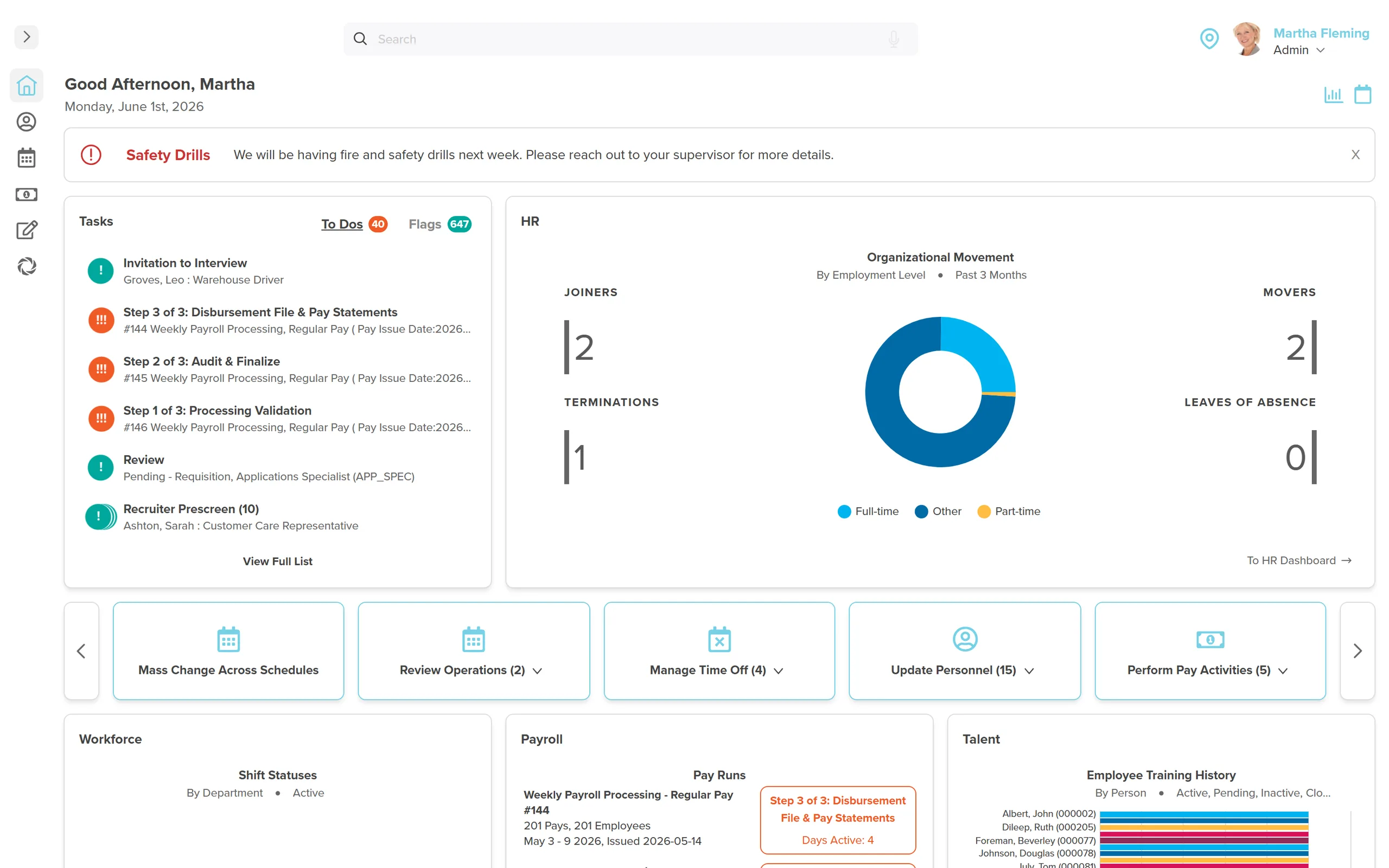
Workzoom tracks compensation by effective date. A backdated rate change recalculates against the exact hours paid in each period. No spreadsheet, no reconstructing from memory. Full payroll runs $4 to $16 per employee per month, no initial setup fees, month-to-month.
Book a WalkthroughHow useful was this page?
What should we improve?
FAQ
What readers ask after this post on how to calculate retroactive pay.
Our clients
The teams that run their people on Workzoom.













Workzoom handles HR, payroll, workforce, and talent on one employee record. Book a Walkthrough.
Related reads
View all in Platform


Get started
Built around your org. See it run live.
A 15 to 60 minute working session, not a slide deck. We look at your org, map the right suites, and show you what to expect on pricing. If we're not a fit, we'll say so.
Workzoom works with organizations of 50 or more employees. See our minimums.