The story
Seven ways to capture time, one rules engine
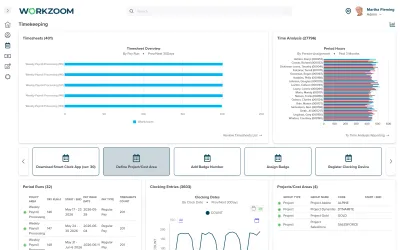
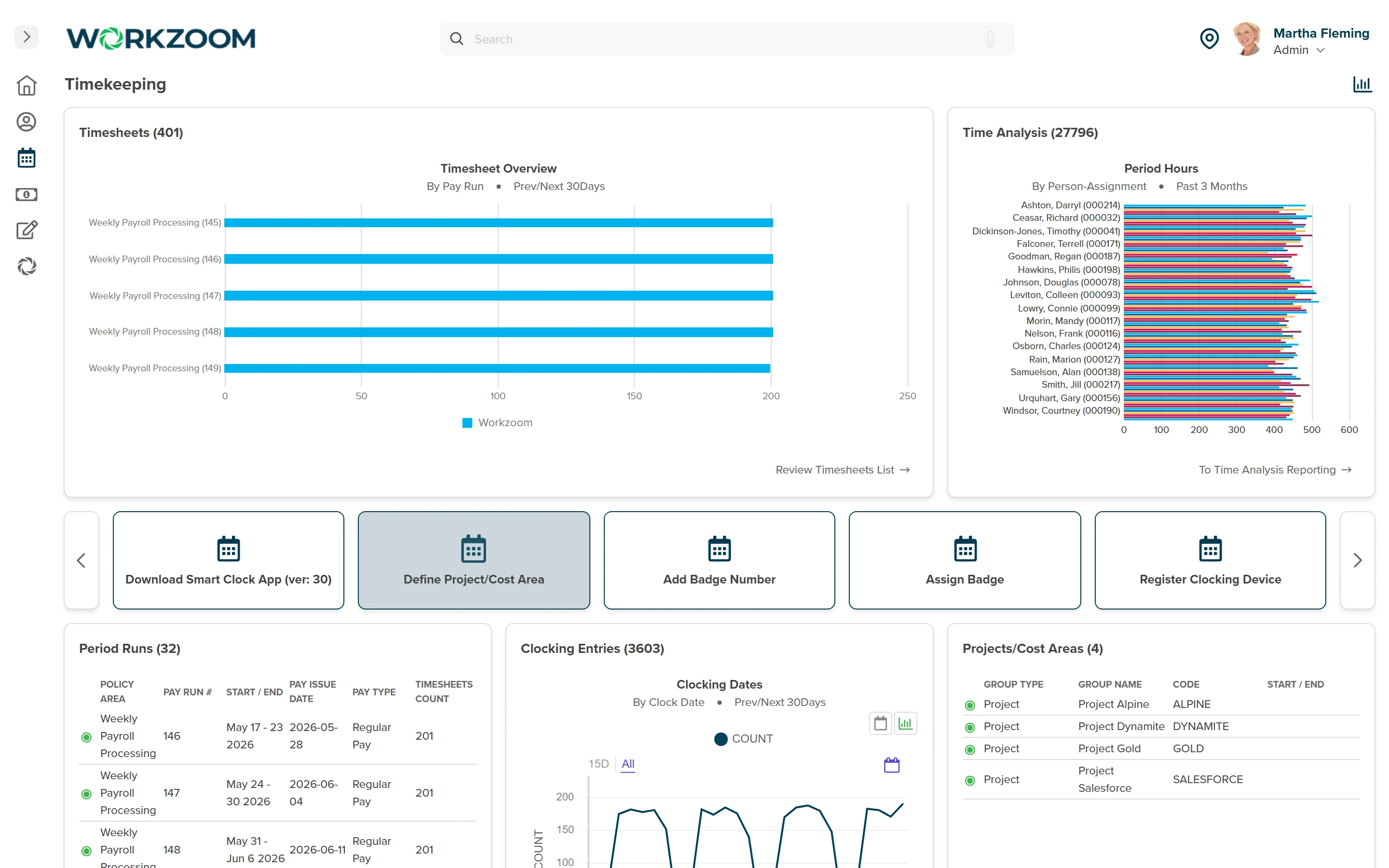
Different Canadian workforces capture time differently. Office staff can use self-service clocking or manual timesheets. Field teams can use mobile clocking, and shift teams can use configured terminals or kiosk badges. Supervisor corrections follow the review process rather than adding a capture method. Choose methods and location controls around your workforce and privacy policies.
Whichever method captures the punch, the same configured rules engine applies daily, weekly and premium calculations. Ontario's general overtime threshold is 44 hours in a week under the Employment Standards Act, but exemptions and special rules may apply. Validate employee eligibility and the applicable policy before approving time for payroll.
The story
A seasonal workforce, reconciled on one timesheet
Northern Sunrise County's workforce swings structurally between 90 and 140 employees as summer construction and road maintenance staff up and winter scales the team back down. Different job types used different timesheet formats, a gap the county's prior systems handled inconsistently and that had eroded trust in the numbers.
On Workzoom, the county's Canadian payroll engine, multi-format timekeeping, scheduling, personnel records and leave management run on one platform. The county's first payroll on the new system ran less than three months after the project started, and last-minute corrections that used to take hours now complete in minutes.
The story
Exception-based approval, not line-by-line review
Canadian time and attendance software should make variances visible without treating routine time as already approved. Workzoom surfaces daily exceptions for managers to resolve, and only approved hours are included in payroll processing. Test a missed punch, a corrected time entry and an ordinary on-schedule shift to see the full approval path.
With Workzoom Timekeeping and Payroll configured together, approved hours feed the aligned payroll period with the configured time rules applied. Approval must reach payroll before the time cutoff. Payroll administrators still review the resulting pay; connecting the records does not remove that responsibility.
For a synthetic evaluation, use an employee who clocked in but missed the clock-out. Ask the manager to correct the daily exception and approve the time, then compare the categorized timesheet hours with the payroll input. Repeat with approval after the cutoff and confirm which later cycle receives the correction.
 Canada
 United States
 Bahamas