 Canada
 United States
 Bahamas
Your Nassau crew worked on two jobs. Where did the labour cost go?

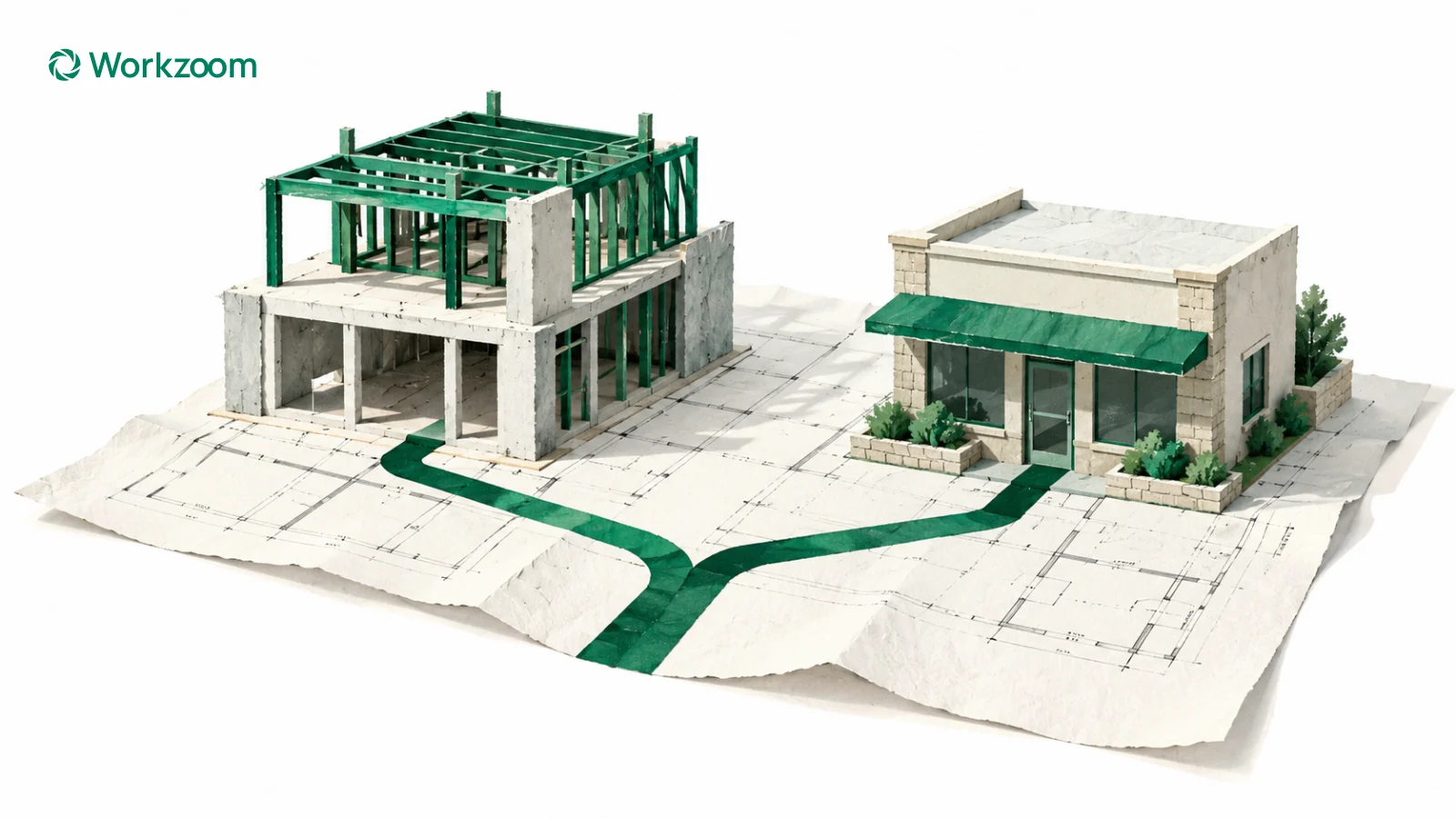
To understand construction labour costs, start with the hours entered against each project, review the breakdown with the supervisor, then follow the applicable rates into payroll and accounting. In Workzoom, project totals are entered on a timesheet. Confirm which costs the report includes before using it to review a budget.
Your crew worked on two projects today. On their timesheets, each employee entered five hours against one project and three against the other. When you review the jobs, can you see those hours against the work they belong to?
For a Bahamian contractor running several projects, that's a useful question to put in front of the team. The employee needs the right pay. The supervisor knows where the work happened. Finance needs that work attached to the right job when reviewing the numbers.
I'd start by following one ordinary working day through all three.
Start with the work that actually happened
Let's use a fictional example. A Nassau contractor has three employees working on a shop renovation in the morning. Each spends five paid hours there, then another three paid hours on a second project.
For this example, all three earn B$25 an hour. We're looking only at basic wages for those hours. Employer contributions and other costs would be considered separately.
| Work completed | Hours across the crew | Basic wage cost |
|---|---|---|
| Shop renovation | 15 | B$375 |
| Second project | 9 | B$225 |
| Total | 24 | B$600 |
Job costing means assigning a cost to the work that caused it. Here, multiplying the recorded project hours by our fictional B$25 rate gives B$375 for the renovation and B$225 for the second project. These are our example calculations; they don't establish which costs a particular Workzoom report includes.
If all 24 hours are recorded against the renovation, the employees could still receive the correct wages. But the renovation would appear to have used B$600 of basic labour, while the other project would show none of that day's work.
That's worth finding before you use those figures to review a budget or price the next job.
Give the supervisor something specific to approve
When someone reviews the time, what are they confirming?
Eight hours worked is one part of the record. Where those eight hours belong is another. The person approving the time needs enough information to check both.
For our example, I'd want the supervisor to see the five hours on the renovation and the three on the second project while the day is still easy to remember. If someone selected the wrong project, there's a clear person who can confirm the correction.
In Workzoom, your team records total hours against each project on a timesheet. In our example, each employee enters five hours against the renovation and three against the second project. The supervisor reviews those entries against the work completed.
Those project totals come from timesheet entries. Clocking in and out records attendance; it does not let an employee clock into multiple projects during the day. We'll use the project timesheet to show how your team records and reviews the breakdown. See Workzoom timekeeping.
Make the names mean the same thing to everyone
The crew may call a project "the shop renovation." Finance may know it by a project number. Another team may use the customer's name.
Before you build the process around those records, agree which name and code identify the work. Keep that understandable for the person entering time and recognizable for the person reviewing the cost.
There are a few terms worth separating here. In everyday conversation, you might call the renovation a job. In Workzoom, a job describes an employee's role, such as carpenter or supervisor. The project identifies the piece of work their entered hours belong to. A work site identifies a location where the business operates.
A department identifies the part of the business the employee belongs to, such as Construction Operations or Finance. For a fictional carpenter, that could mean a carpenter job in Construction Operations, assigned to a Nassau work site, with hours entered against the shop renovation project. Those records answer different questions about the same employee.
A cost centre groups costs for financial reporting. In Workzoom, each department can link to one cost centre, and several departments can share a cost centre. Agree that mapping with finance during setup. Moving work onto another project does not, by itself, establish that the employee has changed departments, roles or pay rates.
Groups also need a purpose. If a crew's time is reviewed together, confirm who is responsible for the review and how that fits the existing management structure. The timekeeping configuration includes work-group settings and grouping of time exceptions by work site, department or work area. Those are setup decisions to walk through with your team, rather than treating every grouping as the same thing.
One contractor may want labour by project. Another may need the breakdown by project and type of work. Start with what you need to understand from the report, then confirm how the time records and accounting setup will support it.
Check the rate and overtime rules as well as the hours
Our first example uses one rate for everyone so the arithmetic is easy to follow. Your team may have employees with different rates or special rates associated with particular jobs.
Workzoom distinguishes ongoing compensation from compensation tied to a specific job. For your setup, confirm which record should apply to the work, its rate and its effective dates. Selecting a project on a timesheet is not evidence that a special job rate has been selected.
Overtime adds another question. If an employee records hours against two projects, what do their combined hours mean under the rules that apply to them? Which hours should be regular time, and which should carry a premium?
Workzoom's timekeeping policies support configured overtime and premium rules. Check the employee group they apply to, the calculation period and how rules interact. Any threshold or rate used in a test needs to come from the requirements confirmed for your business.
Use a test where the employee works on several projects and reaches an overtime threshold. Compare the expected hours and payment with the actual result. Keep the project breakdown and the pay calculation clear throughout that check.
Be clear about which costs you're comparing
Our B$600 example covers basic wages only.
When finance asks what a job cost, agree what belongs in that answer. Are you comparing basic wages, wages including applicable premiums, or a broader employer cost that also includes contributions and other expenses?
Those totals answer different questions. Label the report so the next person knows what they're looking at. Keep materials and subcontractor costs clearly identified if you're bringing them together with employee labour in a wider project review.
Then check the detail. If a project's labour cost increased, can you see whether more hours were worked, different employees worked those hours, or a different rate applied? You want enough information to explain the change before making a decision about the next week's work.
Workzoom's report library includes Project Costing under Timekeeping and Job Costing under Payroll Accounting. During implementation, confirm which view answers your question, what it includes and how your accounting output will be handled. Explore the report library.
Follow the entered time into payroll
Once the project hours are entered, follow them through the configured time rules and the required review. Regular hours, overtime and premiums need to be understandable before the pay run is approved.
Workzoom connects the timesheet period with the employee's pay. Payroll uses the categorized time results to create entries on the pay, carrying the applicable hours and payment amounts. Confirm that the timesheet dates align with the payroll period and that reviews are completed for the configured time cutoff.
For the supervisor, the question is whether the entered hours reflect the work. For payroll, it's whether the resulting pay entries use the right hours and rates. Finance then needs the project breakdown it will use in its own review. Walk through all three using the same example.
Keep NIB reporting connected to the payroll review
For Bahamian employers, payroll also needs to account for National Insurance Board (NIB) contributions and the monthly contribution statement, Form C10. That statement concerns insurable wages and contributions. The project timesheet gives your team the breakdown of where the employee's hours were worked.
Follow those hours into the pay calculation, then check the resulting earnings and applicable NIB treatment. Workzoom supports NIB calculations and C10 reporting; your team reviews and submits the contribution information and pays the contributions. The project-hour breakdown supports your review alongside those payroll results. See the wider Bahamas payroll process.
Give finance a file its accounting system can import
The general ledger is the set of accounts used to record the business's financial transactions. A general ledger code, often shortened to GL code, identifies the account a payroll amount belongs to. The department, cost centre and any required project breakdown also need to make sense in the accounting output.
Start with the exact accounting product and the journal import format your finance team uses. Ask for its file specification and a sample accepted file. Confirm the required columns and their order, account codes, dates and amount format, along with any department or project fields the import supports. Agree how the codes in each system correspond.
In its documentation, checked October 30, 2026, Sage 50 US 2026 lists required fields and limits its optional Job ID field to certain editions. That is why the exact product and edition matter when you test the file.
Workzoom can prepare a mapped payroll journal file for import into the accounting platform, with the output configured to the agreed requirements. Your team checks the reconciliation report against the payroll results, then imports the file into its accounting system.
During implementation, test a sample transfer and review where the amounts land. Confirm that the import preserves the reporting detail you need. That's the practical connection to establish: entered hours, reviewed pay and an accounting file your team can use.
Bring these questions to the review
Have the supervisor or manager and finance use the same working day. Use these questions to check the timesheet, pay and accounting output together.
- Do each employee's entered project hours add up to the working day, and who can confirm the breakdown?
- Are the employee's job, department and work site correct, and does finance recognize the project code?
- Which compensation record and configured time rules should apply, and does the test pay match the expected result?
- Does the project report show basic wages or a wider employer cost, and can finance explain what is included?
- Does the mapped journal reconcile to payroll, and does a test import preserve the reporting detail finance needs?
Walk through one day before relying on a month's figures
I'd bring the supervisor and the person responsible for the accounts into the same review. Use one day when the crew moved between jobs.
Check that the hours add up, the project breakdown matches the work, and the wage calculation uses the right rates. Then follow the figures into the report finance will actually use.
Keep the recorded project hours visible in that review. If a total looks wrong, the team should be able to return to the timesheet entries and confirm which project each amount of time belongs to.
Once you can explain one day, you've got a useful example for training the team and checking the setup when a new project starts.
If you're managing crews across jobs in the Bahamas, bring us one example of how a working day gets divided. We'll walk through how you'd enter the project totals on a timesheet, who would review them and what you'd want to see in Workzoom afterwards.
How useful was this page?
What should we improve?
Questions about project hours and labour costs
Our clients
The teams that run their people on Workzoom.













Workzoom handles HR, payroll, workforce, and talent on one employee record. Book a Walkthrough.
Related reads
View all in Caribbean

Get started
Built around your org. See it run live.
Explore your suite options, pricing and fit in a 15 to 60 minute working session.
For organizations with 50 or more employees. See our minimums.