
Expense reports that enforce policy and reimburse through the next pay run.
Stop chasing receipts in email. Workzoom captures expenses, enforces your spending policies before approval, and routes reimbursements straight into payroll. No spreadsheets. No reconciliation. One system.
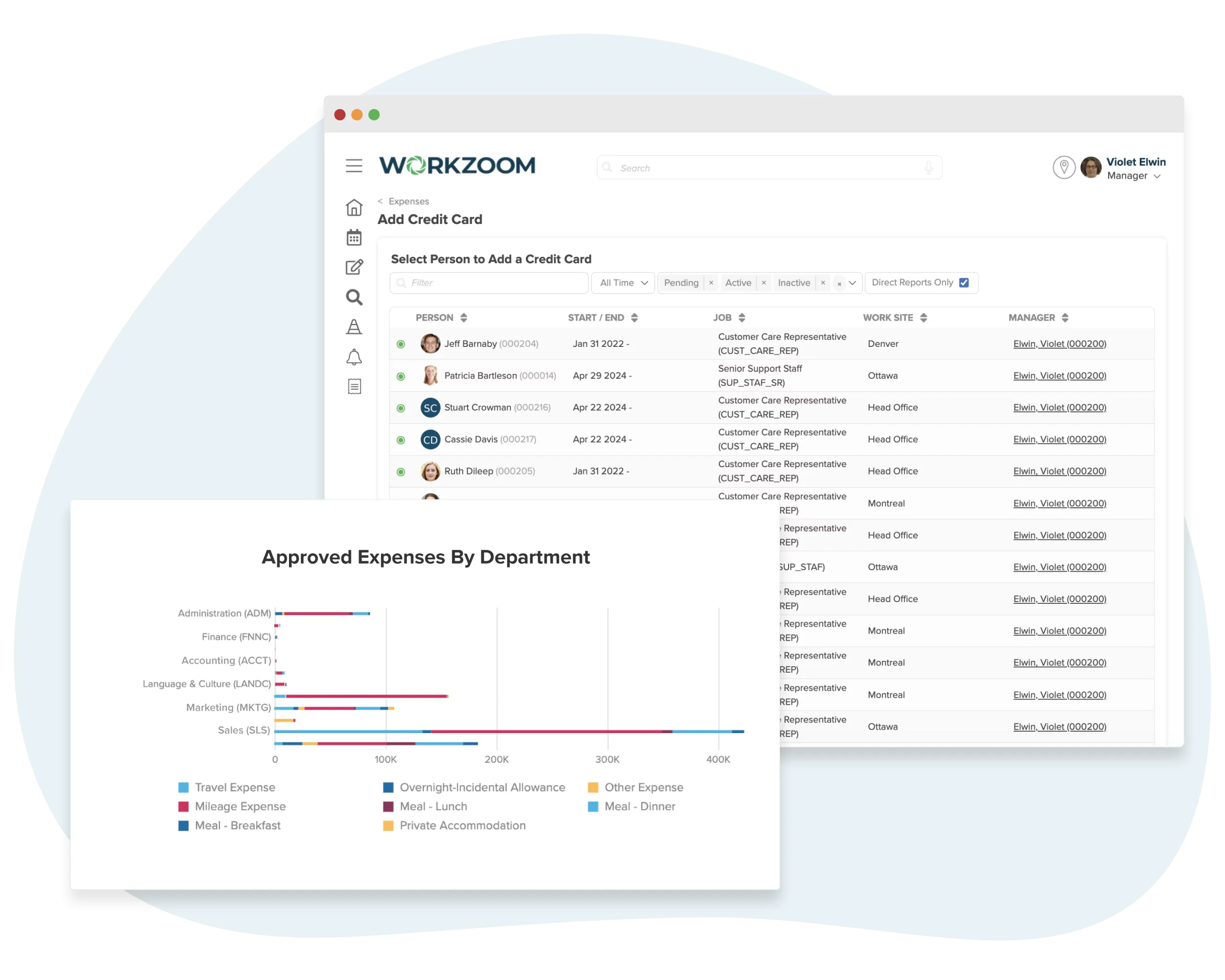
3 problems every finance team knows.
Receipts come in as photos, PDFs, paper slips, and forwarded emails. Finance spends hours sorting, categorizing, and re-entering data into spreadsheets. Receipts get lost. Submissions arrive late. The month-end close turns into an archaeological dig.
With Workzoom: Employees submit expenses digitally with receipt uploads, category selection, and required details. Everything lands in one place, structured and searchable, the moment it is submitted.
Managers approve expenses without checking against policy because the rules live in a PDF nobody reads. Over-limit meals, unapproved travel, duplicate claims. You only discover violations during audits, after the money is already gone. Clawing it back is awkward and slow.
With Workzoom: Spending limits, category restrictions, and approval chains are built into the workflow. Policy violations are flagged at submission time, before anyone approves. Duplicate detection catches the same receipt submitted twice.
Approved expenses sit in one system. Payroll runs in another. Someone has to export, reformat, and import reimbursement amounts every pay period. GL coding is manual. Tax treatment is inconsistent. The audit trail has gaps.
With Workzoom: Approved expenses flow directly into the next payroll run. GL codes are assigned at submission. Tax treatment is applied automatically. The audit trail is continuous from receipt upload to pay stub line item.
Receipt to reimbursement in 4 steps.
Employees capture. Policy enforces. Managers approve. Payroll reimburses. No handoffs between systems, no data re-entry, no reconciliation spreadsheets.
Capture
Snap a photo, drag a PDF, or forward an email. Expenses are logged with amount, category, and date in seconds.
- Mobile receipt capture
- Email-to-expense forwarding
- Auto-categorization by policy
Submit
Spending limits, per-diem rates, and category rules enforced automatically. No more chasing violations after the fact.
- Automatic policy validation
- Per-diem and mileage calculations
- Multi-currency support
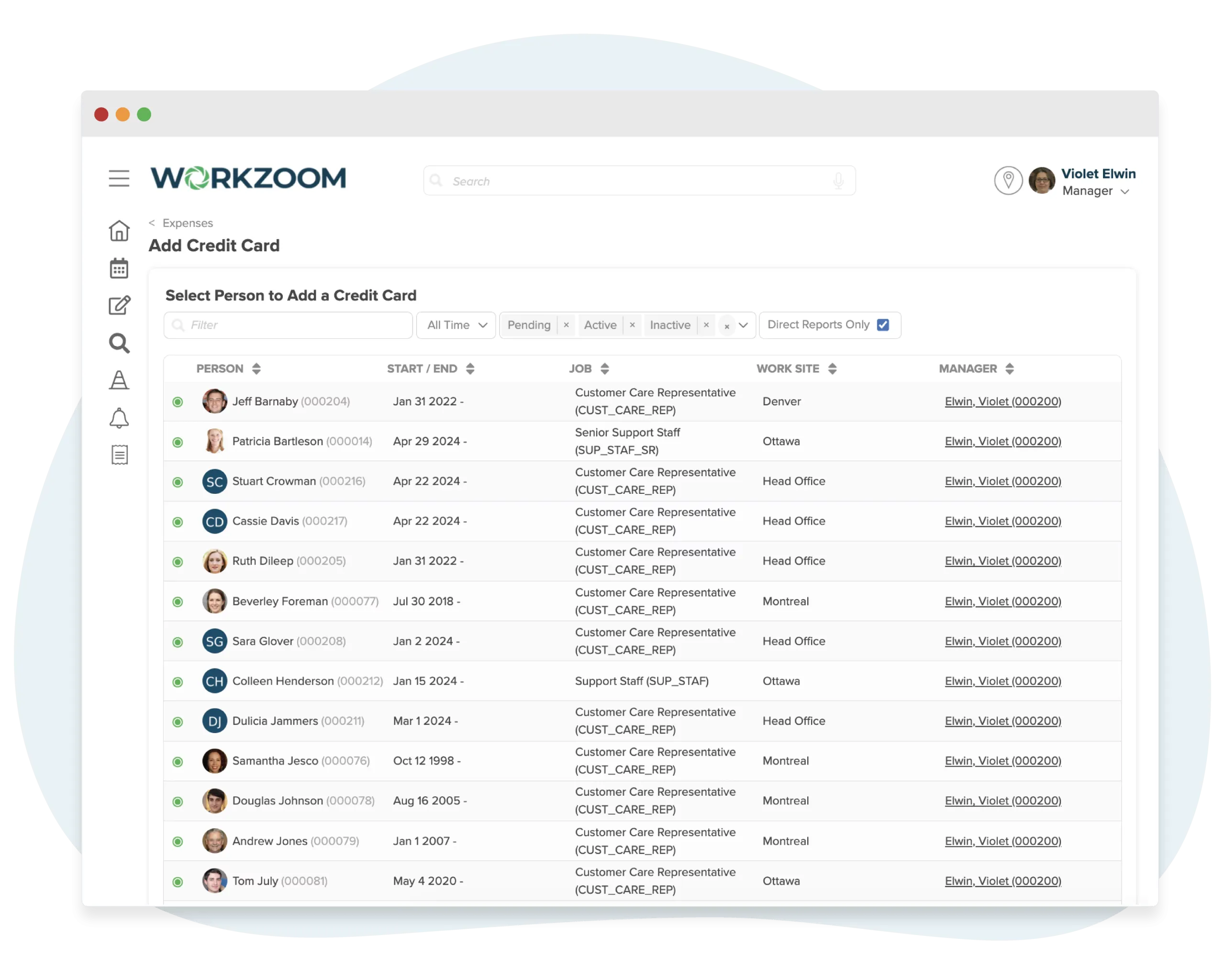
Approve
Managers review, approve, or reject from any device. Escalation rules handle exceptions automatically.
- One-click approval queue
- Delegation and escalation rules
- Audit trail on every action
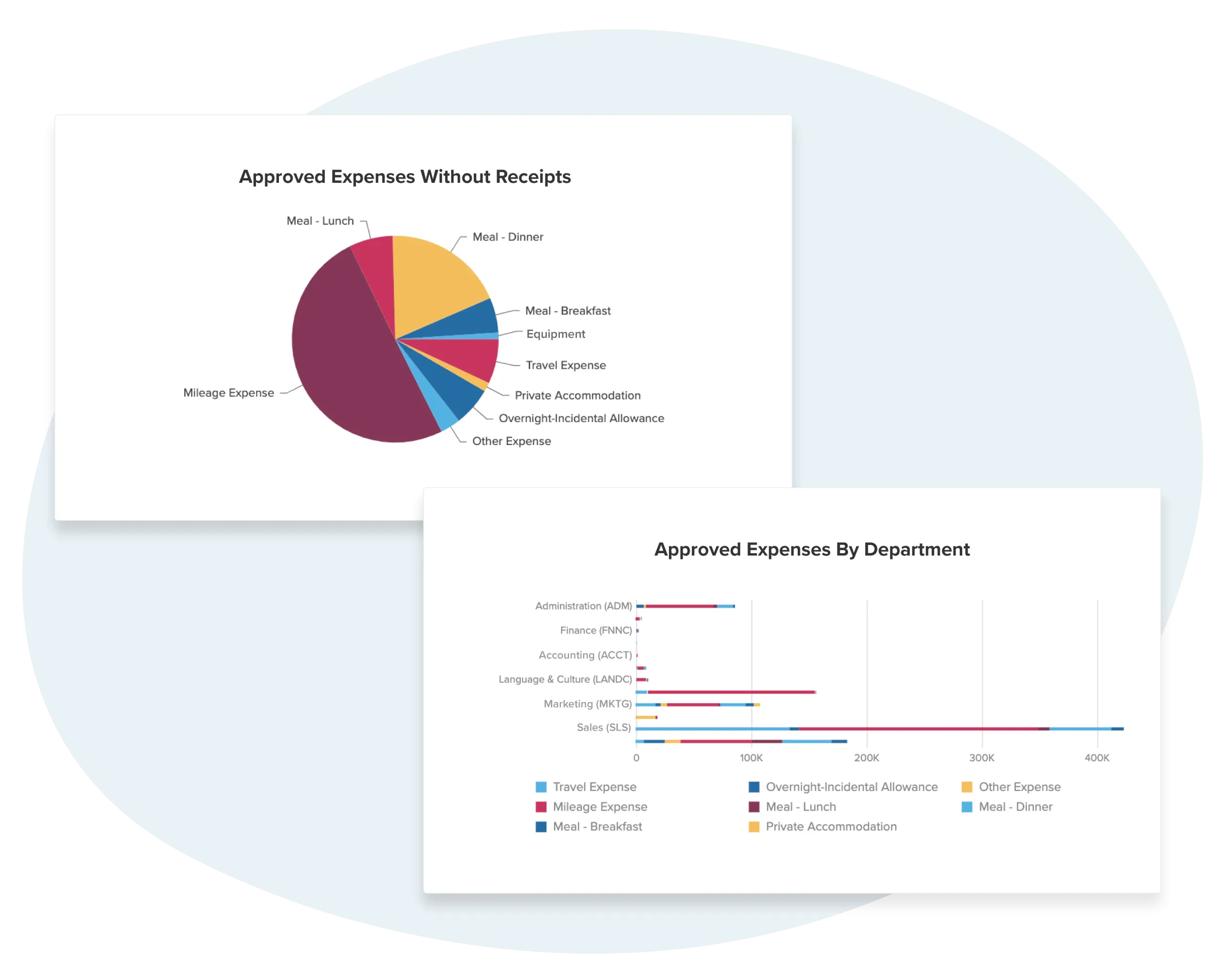
Reimburse
Approved expenses flow directly into the next pay run. No re-keying, no separate check runs.
- Automatic payroll integration
- Direct deposit reimbursement
- GL coding and cost allocation
Everything your expense management needs
From receipt capture to reimbursement, every step handled in one connected system.
Receipt Capture
Snap a photo or forward an email. Workzoom extracts merchant, amount, date, and category automatically using OCR.
Policy Enforcement
Spending limits, category restrictions, and per-diem rules applied automatically. Out-of-policy expenses flagged before submission.
Approval Workflows
Multi-level approval routing based on amount, department, or expense type. Approvers review and act from any device.
Mileage Tracking
Built-in distance calculator with current IRS/CRA rates. Employees log trips, Workzoom calculates reimbursement.
Corporate Cards
Import transactions from corporate credit cards. Match receipts to charges automatically, flag missing documentation.
Payroll Reimbursement
Approved expenses flow directly into the next payroll run. No separate check runs, no manual entries.
Trusted by leading organizations across North America










Proven Results
What clients say
Workzoom completely transformed our payroll process in just one month. So easy to audit, validate, and make corrections, even at the last minute. The support we received was incredible.
Payroll runs seamlessly, and HR is no longer a tedious grind. It simplified how we work, letting us focus more on our people. A complete game-changer for our entire team.

Before Workzoom, we were buried in spreadsheets. Now HR is so much simpler. We spend less time on admin and more time supporting our staff and residents every single day.

What mattered most was choosing a solution built for businesses like ours. Workzoom delivered everything we needed, from payroll to facial recognition clocks, and worked with us every step.

Switching to Workzoom made managing payroll and timekeeping so much easier. We processed our first payroll faster than we expected and now feel far more confident in everything we do.
Workzoom has offered us more than just tools. It has empowered us to excel in our field. This upgrade gives us more time to focus on team and community projects.

Moving to Workzoom was the right move. It gave our dynamic report and payment structures the flexibility we needed, at the right price.

We would not be able to hire the way we do with the same resources. It has kept our headcount consistent without growing it, saving us time and money every single cycle.

Expense management questions, answered.
Expense management software replaces paper receipts, email attachments, and spreadsheets with a digital workflow for submitting, approving, and reimbursing employee expenses. It gives finance teams visibility into spending, enforces company policies automatically, and creates an audit trail from receipt to payment. Workzoom goes further by connecting expenses directly to payroll, so reimbursements happen through the next pay run without any manual data transfer.
Employees log in, upload a receipt image or PDF, select the expense category, add details like amount and purpose, and submit. For mileage claims, they enter distance and the system calculates reimbursement based on your configured rate. Per diem expenses follow location-based rules you define. Required fields are enforced at the form level, so incomplete submissions cannot be sent forward. The entire process works from any device with a browser.
Yes. You configure spending limits by category, role, or department. When an employee submits an expense that exceeds a limit or falls into a restricted category, the system flags it before the manager sees it. Duplicate receipt detection catches the same expense submitted twice. Multi-level approval chains route high-value claims to senior approvers automatically. Policy violations are caught at submission time, not after reimbursement.
Once a manager approves an expense, it flows directly into the next payroll run. There is no export, no CSV file, no manual entry into a separate payroll system. Because Workzoom expenses and payroll share the same database, the reimbursement appears as a line item on the employee's pay stub. GL codes are assigned at submission and carried through to your financial reports. Cable Bahamas processes reimbursements for 850 employees this way, with zero manual reconciliation.
Yes. For mileage, employees enter the distance traveled and Workzoom calculates the reimbursement based on your configured rate per mile or kilometer. You can set different rates for different vehicle types or purposes. For per diem, you define daily allowances by location and travel type. The system applies the correct rate automatically based on the travel details the employee provides. Both mileage and per diem claims follow the same approval and reimbursement workflow as standard expenses.
Every expense submission is tagged with a GL code at the time of entry. When the expense is approved and flows into payroll, those codes carry through to your journal entries and financial reports. You get real-time visibility into spending by category, department, or cost center without waiting for month-end reconciliation. The audit trail is continuous: receipt, submission, approval, payroll line item, GL entry. No gaps.
Expense management is included in the Workzoom Payroll Suite at $4 per employee per month. No setup fees and no long-term contracts. The Payroll Suite also includes pay processing and benefits administration. If you need HR, Workforce, and Talent capabilities too, the full platform is $16 per employee per month. A 200-employee business pays $800/month for payroll with expenses included, or $3,200/month for the complete platform. See full pricing details here.
See why finance teams cut expense cycles by 60%
Pick a time. We will walk through receipt capture, policy enforcement, approval workflows, and automatic payroll reimbursement with your setup in mind.





More from HR.
View all HRPay Processing
Run payroll with expense reimbursements already queued. Approved expenses flow directly into the next pay cycle.
ExploreBenefits
Manage health plans, dental, vision, and life insurance alongside expense policies. One system for total compensation.
ExploreCompensation
Connect expense budgets to compensation planning. See the full cost per employee, not just salary.
ExplorePersonnel
Employee records, org charts, and document storage. The foundation everything else connects to.
Explore