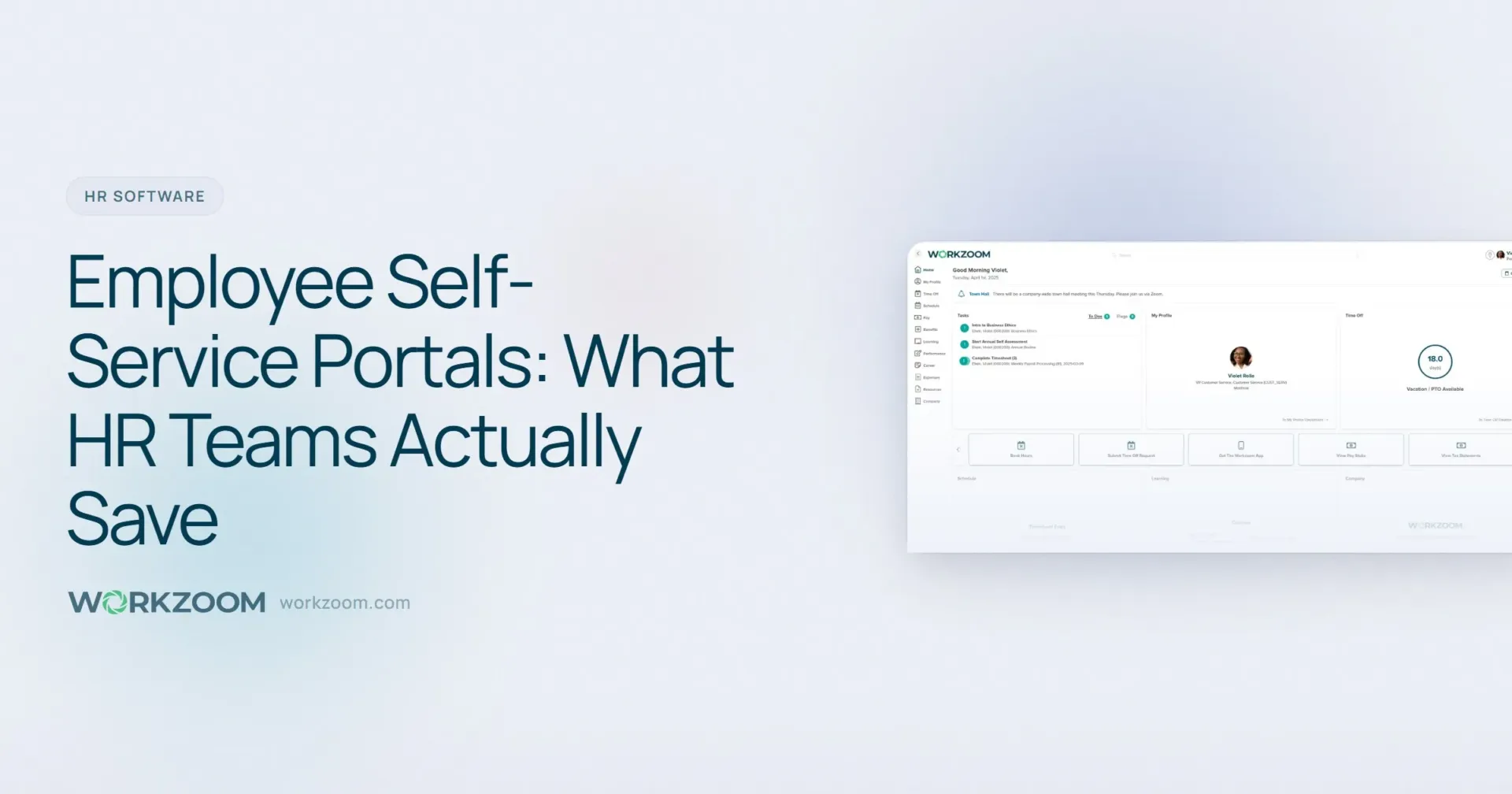
Employee Self-Service Portals: What HR Teams Actually Save
Employee self-service portals cut HR admin time by 40-60%. Real math on hours saved, adoption benchmarks, and what to look for in an ESS platform.
Your HR team didn’t go to school for this. They didn’t study organisational psychology and labour relations so they could spend three hours a day answering the same six questions. “Where’s my pay stub?” “How many vacation days do I have?” “Can you resend my T4?” “What’s the bereavement policy?” “How do I update my address?” “When’s the next pay day?”
Those six questions, repeated across 200 employees, consume somewhere between 15 and 25 hours of HR time every single week. Not on strategy. Not on retention. Not on the work that actually moves the organisation forward. On information retrieval that a well-built portal handles in seconds.
An employee self-service portal is a secure online platform where employees can access their own HR information, including pay stubs, T4s, leave balances, benefits enrollment, and personal details, without contacting HR. For a 200-person company, a good ESS portal typically saves the HR team 15 to 25 hours per week by eliminating routine information requests, while giving employees instant 24/7 access to the records they need.
- ESS portals handle 60-80% of routine HR inquiries without human involvement
- A 200-person company typically saves 15-25 hours/week in HR admin time
- Adoption rates above 85% are achievable within 90 days with the right rollout
- Mobile access is the single biggest driver of employee adoption
- Security and role-based access are non-negotiable for compliance
What an Employee Self-Service Portal Actually Includes
Vendors love to pad feature lists. Here’s what employees actually use, ranked by frequency based on aggregate data from mid-market HR platforms.
Pay stubs and tax documents. This is the number one reason employees contact HR. “Where’s my pay stub?” accounts for roughly 30% of all routine HR inquiries at companies still using paper or email distribution. A portal makes every pay stub available instantly, going back years. T4s (or W-2s in the US) are accessible during tax season without HR lifting a finger. No more printing 200 T4s in February and hand-delivering them to desks.
Leave requests and balances. The second most common HR interruption: “How many vacation days do I have left?” In a portal, employees see their real-time balance, submit requests, and track approval status. Managers approve with one click. The balance updates automatically. No spreadsheet. No paper form. No ambiguity about whether the request was received.
Personal information updates. Address changes, emergency contacts, banking details for direct deposit, name changes after marriage. Every one of these used to require a form, a signature, and manual data entry by HR. In a self-service portal, the employee makes the change, it routes for approval if needed, and the record updates. Time per transaction drops from 15 minutes to 90 seconds.
Benefits enrollment and changes. Open enrollment season is a recurring nightmare for HR teams managing paper forms. An ESS portal lets employees review plan options, compare costs, select coverage, and add dependents online. Changes during qualifying life events (new baby, marriage, divorce) follow the same digital workflow instead of generating a paper trail that takes weeks to process.
Company policies and documents. Employee handbooks, health and safety procedures, holiday calendars, org charts. Instead of emailing HR to ask about the compassionate leave policy, employees look it up themselves. This sounds minor until you realise that policy questions account for roughly 15% of HR inbox volume.
The Math on HR Time Saved
Let’s get specific. These numbers come from a combination of SHRM benchmarks and real-world data from companies in the 100-500 employee range.
The average HR professional handles 73 employees (the national median HR-to-employee ratio is about 1:73 according to SHRM’s Human Capital Benchmarking Report). Each routine inquiry takes an average of 12 minutes to resolve, including the interruption, the lookup, the response, and the context-switch cost of getting back to whatever they were doing before.
For a 200-person company with a three-person HR team, the weekly math looks like this:
| Inquiry Type | Weekly Volume (200 employees) | Minutes Each | Weekly Hours |
|---|---|---|---|
| Pay stub / tax doc requests | 25-35 | 10 | 4.2-5.8 |
| Leave balance questions | 20-30 | 8 | 2.7-4.0 |
| Personal info updates | 8-12 | 15 | 2.0-3.0 |
| Benefits questions | 10-15 | 12 | 2.0-3.0 |
| Policy lookups | 15-20 | 8 | 2.0-2.7 |
| Schedule / timesheet issues | 10-15 | 10 | 1.7-2.5 |
| Total | 88-127 | 14.6-21.0 |
That’s 15 to 21 hours per week. For a three-person team working 120 collective hours, routine inquiries consume 12-18% of total capacity. An ESS portal with strong adoption eliminates 70-85% of these inquiries. That’s 10 to 18 hours per week returned to your HR team.
In dollar terms: if your average HR professional costs $35/hour fully loaded, that’s $350 to $630 per week. Over a year, $18,200 to $32,760 in recovered productivity. For a 200-person company paying $4/employee/month for an HR platform with self-service built in, the annual cost is $9,600. The portal pays for itself by June.
The ROI case for self-service isn’t about fancy technology. It’s about giving your HR team back 10-18 hours per week that are currently spent on questions a portal answers instantly. At $35/hour, that’s $18,000-$33,000 per year in recovered time for a 200-person company.
Adoption Rates: What’s Realistic and What Drives Them
A portal nobody uses is just expensive shelf-ware. Here’s what the data says about adoption.
The 90-day benchmark. Companies that roll out ESS portals effectively see 70-85% adoption within 90 days. “Adoption” means the employee has logged in at least twice and completed at least one self-service action (viewed a pay stub, submitted a leave request, updated personal info). The remaining 15-30% typically come online within six months, driven by payroll events like tax season or benefits enrollment that force engagement.
What kills adoption:
- No mobile access. If employees have to sit at a desktop computer to check their pay stub, frontline workers, warehouse staff, and anyone without a desk will never use it. Mobile-first design isn’t a luxury. For companies with shift workers, it’s the difference between 40% adoption and 90%.
- Complicated login. If employees need a VPN, a company email they never check, or a password they’ve forgotten, adoption stalls. Single sign-on or simple credential recovery is essential.
- HR still answers the question. If an employee emails HR for their pay stub and HR sends it instead of redirecting them to the portal, the employee learns that emailing HR is faster. Stop answering questions the portal handles. Redirect every time. Within two weeks, behaviour shifts.
What drives adoption:
- Pay stubs. This is the hook. The moment employees realise their pay stubs are only available through the portal, adoption jumps. It’s the single action every employee cares about on a predictable schedule.
- Leave requests. When submitting vacation through the portal is the only way to get it approved, people adopt fast. Nobody wants to risk their vacation request getting lost.
- Manager buy-in. When managers approve leave requests and timesheets through the portal instead of on paper, it creates a two-sided adoption effect. Employees submit digitally because their manager only approves digitally.
Security: The Non-Negotiable Layer
Employee portals contain sensitive data. Social insurance numbers. Banking details. Salary information. Home addresses. Medical benefits elections. This isn’t data you can afford to expose.
According to Gartner’s HR technology research, 34% of organisations cite security concerns as the primary barrier to self-service adoption. Those concerns are valid, but they’re solvable.
Role-based access. Employees see their own records. Managers see their direct reports’ leave balances and schedules, but not their salaries or banking details. HR sees everything within their scope. Executive compensation is restricted to senior HR. This isn’t optional. Any ESS platform without granular role-based access is a liability.
Multi-factor authentication. For accessing pay stubs and tax documents, MFA should be the default, not an add-on. A text message or authenticator app confirmation takes five seconds and prevents the vast majority of unauthorised access attempts.
Audit trails. Every action in the portal should be logged. When an employee changes their banking details, the system should record who made the change, when, from what device, and notify both the employee and HR. This protects against both external threats and internal fraud.
Data residency. For Canadian companies, where employee data is stored matters. Provincial privacy legislation (PIPEDA federally, plus provincial equivalents in Alberta, British Columbia, and Quebec) sets specific requirements. If your ESS platform stores data on US servers, you may have compliance exposure. Ask the vendor directly: where is the data stored, and under what jurisdiction?
Mobile Access: Not Optional Anymore
In 2018, mobile access was a nice-to-have. In 2026, it’s table stakes.
Consider who uses self-service portals. It’s not just the office workers with laptops. It’s the warehouse associate who wants to check their pay stub on the bus. The nurse checking shift availability between patients. The retail employee submitting a vacation request from their phone during break.
According to SHRM’s technology surveys, 67% of employees prefer to access HR information from a mobile device. For employees under 35, that number jumps to 82%. For frontline or deskless workers, it’s essentially 100%.
What “mobile access” actually means:
- A responsive web app or native app that works on any smartphone
- Pay stub viewing and downloading without needing to zoom or scroll horizontally
- Leave requests that can be submitted and approved in under 30 seconds
- Push notifications for approvals, pay day, and benefits deadlines
- Offline access for basic information (some platforms cache recent pay stubs)
If the vendor shows you a desktop portal and says “it works on mobile too,” ask them to pull it up on a phone during the demo. A desktop site crammed onto a small screen is not mobile access. It’s a bad experience that kills adoption.
What to Look for in an ESS Platform
Feature lists are meaningless until you’ve seen the platform handle your actual workflows. But here’s a baseline of what any serious ESS platform should include in 2026.
| Capability | Why It Matters | Red Flag If Missing |
|---|---|---|
| Digital pay stubs + T4s/W-2s | Eliminates #1 HR inquiry | Still requires HR to distribute |
| Leave request workflow | Replaces paper forms, auto-updates balances | Leave tracking is a separate module/cost |
| Benefits enrollment | Self-service open enrollment saves weeks of HR time | Benefits changes require HR to enter manually |
| Personal info updates | Employees own their address, banking, emergency contacts | All changes must go through HR |
| Mobile-first design | 85%+ adoption depends on it | “Mobile compatible” but not mobile-designed |
| Role-based access | Compliance and privacy | All-or-nothing permissions |
| Manager self-service | Approvals, team calendars, direct report info | Managers have no portal access |
| Document storage | Policies, handbooks, offer letters in one place | Documents stored outside the HR system |
| Integration with payroll | Changes flow directly to pay calculations | ESS is disconnected from payroll engine |
The most important question to ask: is self-service built into the HR platform, or is it a bolt-on? Bolt-on portals create sync issues. An employee updates their address in the portal, but payroll still has the old address because the sync runs nightly. That mismatch causes tax withholding errors, misdirected T4s, and the kind of problems that make your HR team distrust the system.
The best ESS platforms aren’t standalone portals. They’re the employee-facing layer of a unified HR and payroll system. When self-service is native to the platform, every change flows directly to payroll, benefits, and compliance records without sync delays or manual handoffs.
The Hidden Benefit: Better Data Quality
Here’s something vendors rarely mention, but it might be the most valuable outcome of self-service adoption.
When HR manually enters employee data, error rates run between 2-5% depending on volume and complexity. A wrong digit in a SIN. A transposed number in a bank account. An old address that nobody updated because the employee told their manager verbally but it never made it to the system.
When employees enter their own data, accuracy improves dramatically. People know their own SIN. They know their current address. They double-check their banking details because they know a mistake means a delayed paycheque. Self-service doesn’t just save time. It produces cleaner data, which means fewer payroll errors, fewer tax filing corrections, and fewer compliance headaches.
For companies running payroll across multiple provinces, where provincial tax calculations depend on accurate employee addresses, this data quality improvement has real financial impact. One wrong province code on a T4 creates a correction process that costs $50-$100 in HR time per incident.
Implementation: How Long It Actually Takes
Traditional HRIS implementations take 6-18 months. An ESS portal, when it’s part of a modern platform, should not take anywhere near that long.
Realistic timeline for a 200-person company:
- Week 1-2: Employee data import, pay stub history upload, portal configuration
- Week 3: Manager training (usually 30-60 minutes per group), pilot with one department
- Week 4: Company-wide rollout, first pay stubs delivered through portal
- Week 5-8: Leave requests, benefits enrollment, and personal info updates enabled
If a vendor tells you the portal alone takes three months to set up, something is wrong. Either the platform requires heavy customisation to do basic things, or the implementation timeline is padded to justify a large setup fee.
Book a 15-Minute Walkthrough
See what an employee self-service portal looks like when it’s built into a full HR and payroll platform. Pay stubs, leave requests, benefits enrollment, T4s, and personal info updates, all in one place. $4/employee/month. No setup fees. No contracts. Month-to-month.
The Bigger Picture: Self-Service as a Retention Signal
Employees notice when basic things are hard. When getting a pay stub requires emailing HR and waiting a day, that sends a message about how the company values their time. When requesting vacation means printing a form, getting a physical signature, and dropping it at HR’s desk, that tells employees the organisation hasn’t invested in making their experience better.
A self-service portal won’t single-handedly fix retention. But it’s one of those baseline expectations that, when missing, contributes to the slow erosion of employee satisfaction. Particularly for employees under 40 who’ve grown up managing their banking, shopping, and social lives from their phones. Asking them to email someone for a PDF of their pay stub feels like asking them to send a fax.
The companies that get ESS right treat it as the foundation, not the finish line. Once employees are comfortable with the portal, you can layer on performance reviews, learning management, goal tracking, and career development tools. Each layer adds value. But the portal has to work first. If employees can’t trust the system to show them an accurate pay stub, they won’t trust it for anything else.
See Workzoom for Your Team
Workzoom’s self-service portal is built into every suite. Employees get instant access to pay stubs, leave balances, T4s, benefits, and personal records from any device. $4/employee/month per suite. No setup fees. No contracts.
Frequently Asked Questions
Stay in the loop
Canadian HR, payroll, and workforce insights. No spam.
You’re subscribed!
Talk to Matthew
One platform for HR, workforce, payroll, and talent. $4–$16/employee/month depending on which suites you need. No setup fees, no contracts.
More from the Blog