7 Signs Your Payroll System Is Failing
Seven warning signs your payroll system is failing your organisation. Spreadsheet workarounds, multi-day processing, payroll errors, and compliance penalties explained.
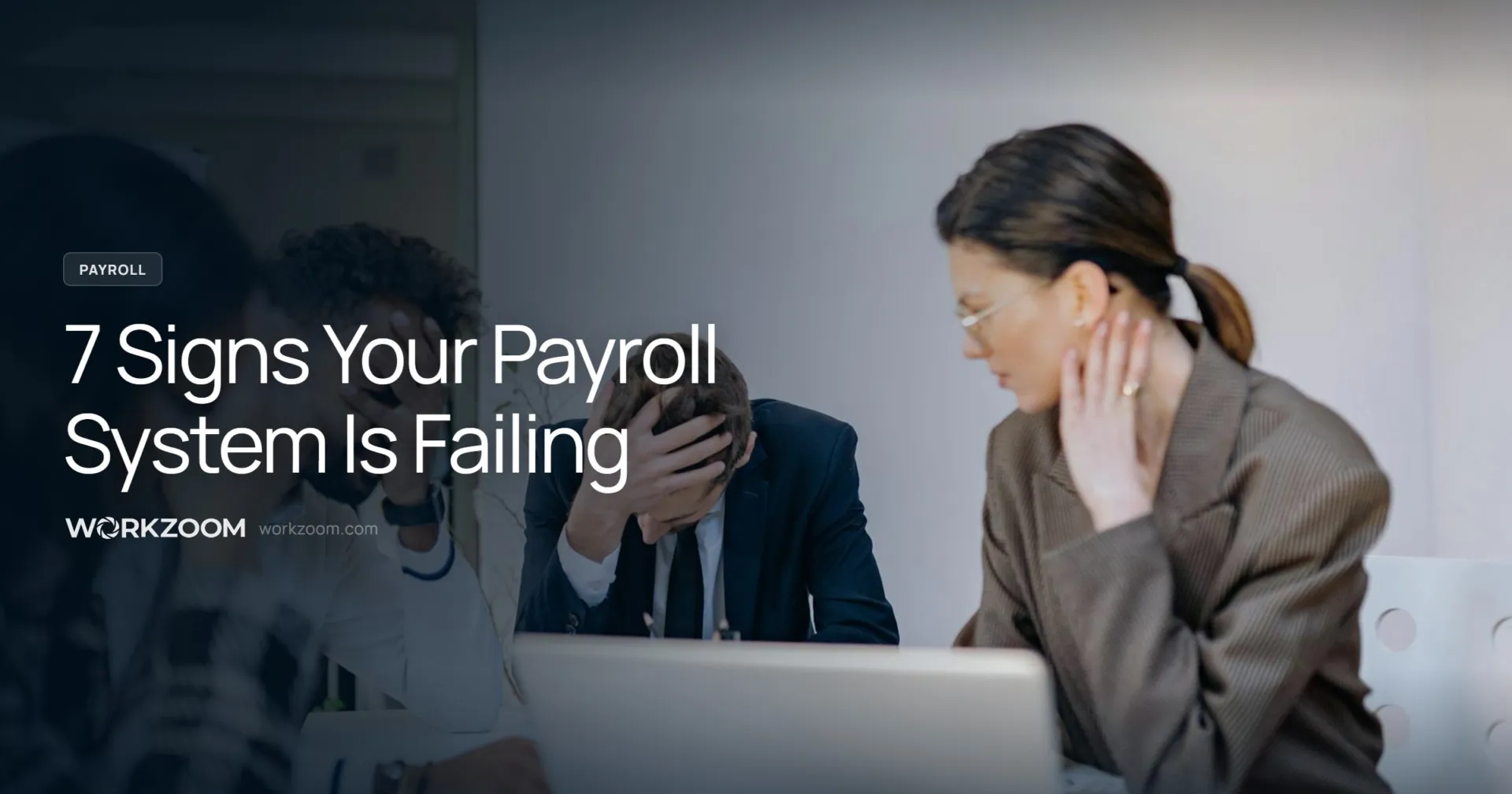
Your payroll system runs. Paycheques go out. Nobody’s complaining too loudly.
But “running” and “working” aren’t the same thing.
According to the 2024 Alight Global Payroll Complexity Report, 51% of companies still rely on spreadsheets somewhere in their payroll process. The gap between what your payroll software promises and what it actually delivers shows up in predictable ways.
Here are seven signs your system is failing, even if pay keeps going out on time.
- 1. You Need a Spreadsheet to Make It Work
- 2. Payroll Takes Days Instead of Hours
- 3. Your Team Fixes More Than They Process
- 4. Employees Have Lost Trust
- 5. You Can’t Answer Simple Questions Without Exporting Data
1. You Need a Spreadsheet to Make It Work
This is the clearest sign. If Excel sits between your timekeeping system and your payroll run, something is broken. The spreadsheet isn’t a tool. It’s a crutch.
Consider a healthcare organisation managing three different pay grids across unionised and non-unionised staff. Every timesheet takes 5 to 10 minutes of manual reconciliation. Multiply that by 150 employees and you’re looking at 12 to 25 hours of manual work per pay period, just to get time data into a format payroll can accept.
That spreadsheet isn’t making your system work. It’s papering over the fact that it doesn’t. And every manual touchpoint is a compliance gap waiting to happen.
2. Payroll Takes Days Instead of Hours
If your payroll cycle stretches across multiple days, you’re not running payroll. You’re surviving it.
Cable Bahamas went from five days of payroll processing down to one and a half days after consolidating their systems. That’s a 70% reduction. And they didn’t add staff or work overtime to get there. They just stopped reconciling between disconnected systems.
ADP’s research puts a finer point on it: over 22% of payroll teams spend more than 30 hours weekly just reconciling payroll and HR data. That’s not payroll processing. That’s data entry with extra steps.
If your team starts payroll on Monday and doesn’t finish until Wednesday, the system is the bottleneck. Not your people.
3. Your Team Fixes More Than They Process
There’s a difference between processing payroll and fixing payroll. If your team spends more time correcting errors than running pay, you’ve got a system problem, not a people problem.
The numbers are staggering. According to EY, the average full-time payroll employee loses 29 weeks per year to fixing mistakes. That’s more than half the year spent on rework instead of productive processing.
A 1.2% payroll error rate costs an organisation with 100 employees roughly $56,000 annually in corrections and penalties. According to Jobera, it can take up to 10 days to fully resolve a single payroll error. The cost isn’t just financial. It’s operational drag.
If your payroll administrator’s primary job has become detective work, tracing where numbers went wrong and manually correcting them every cycle, the system is creating more work than it eliminates.
4. Employees Have Lost Trust
This is where payroll system failure stops being an operational problem and becomes a retention problem.
The Workforce Institute found that two payroll errors are enough to make 50% of employees start looking for a new job. Not ten errors. Not a pattern over years. Two.
Remote’s 2024 payroll survey paints an even bleaker picture: 42% of employees said payroll errors had a negative impact on them, 32% reported decreased trust in their employer, and 71% of employees aged 16 to 24 experienced a negative change in how they viewed their organisation after a pay error.
Your payroll system doesn’t just process pay. It’s a trust mechanism. Every error erodes it. And the cost of replacing an employee who leaves because they can’t trust their paycheque? SHRM puts the average hiring cost at $5,475. That’s before you factor in lost productivity, training time, and institutional knowledge walking out the door.
If you’re seeing exit interviews mention pay accuracy, it’s not an HR problem. It’s a systems problem.
Stop losing employees over preventable payroll errors
Workzoom connects timekeeping, scheduling, and payroll in a single system. No spreadsheets, no reconciliation, no surprises on payday. $4/employee/month, no implementation fees, month-to-month.
5. You Can’t Answer Simple Questions Without Exporting Data
How much did we spend on overtime last quarter? What’s our average cost per employee in Alberta? How many employees hit the CPP ceiling early this year?
If answering any of these questions requires an Excel export and an hour of formatting, your system isn’t giving you visibility. It’s giving you data entry.
One Caribbean company we spoke with described their previous system as “very limited in functionality, primarily used for data entry with minimal return.” The system could store information. It just couldn’t do anything useful with it.
A payroll system that can’t report on its own data is a filing cabinet with a power cord. Your team shouldn’t need to become Excel analysts just to answer questions the system already has the data to answer. If you’re spending time on Canadian payroll deductions questions that should be one click away, the system is the obstacle.
6. Scheduling Lives in Someone’s Head
This one doesn’t always look like a payroll problem. But it is.
Consider a university with 70 full-time staff, 240 sessional employees, and 400 part-timers spread across 30 locations. Employees call a desk phone to report absences. Schedules are printed and posted on walls. Nobody has real-time visibility into who’s working, who’s available, or who’s approaching overtime.
When scheduling is disconnected from payroll, every shift change, every absence, every overtime hour requires manual intervention to make it into the pay run correctly. And when it doesn’t? See sign number three.
If your scheduling process can’t survive the scheduler calling in sick, it’s not a process. It’s a single point of failure. Scheduling should feed directly into time tracking, which should feed directly into payroll, with no manual re-entry between steps.
Disconnected scheduling also creates statutory holiday pay headaches. When the system doesn’t know who was scheduled versus who actually worked, calculating holiday pay entitlements becomes another manual exercise.
7. You’ve Been Penalised in the Last Five Years
This is the sign most companies rationalise away. “It was a one-time thing.” “We fixed the process.” “The penalty wasn’t that big.”
But the data says penalties aren’t one-time events. They’re symptoms of structural problems. The Alight report found that 53% of organisations had been penalised for payroll non-compliance in the last five years. For companies operating in a single country, the rate was 24%. For those in two to five countries, it jumped to 67%.
ElectroIQ reported $2.8 billion in IRS penalties assessed in a single year for payroll-related non-compliance. That’s just the United States. Canadian penalties from the CRA follow a similar pattern of escalation.
If you’ve been penalised, the question isn’t whether your team made a mistake. It’s whether your system made it inevitable.
Why Companies Stay Stuck
Most organisations know their payroll system isn’t working properly. They stay with it anyway, for three predictable reasons.
Fear of implementation cost. Traditional enterprise payroll implementations run $15,000 to $75,000 or more, with timelines of 12 to 18 months. That’s a real barrier. But it’s also a number that belongs to the old model of payroll software, not the current one.
Fear of disruption. Switching payroll systems mid-year feels like changing the engine while the plane is in the air. The risk of something going wrong during migration feels worse than the ongoing cost of the current system’s failures.
Fear of the same outcome. If you’ve been burned by a payroll system before, the idea that the next one will be different requires a leap of faith that data and experience don’t always support.
All three fears are rational. None of them are reasons to keep a system that’s costing you more in errors, penalties, and turnover than a replacement would cost to implement.
What Actually Fixes This
The pattern across all seven signs is the same: disconnected systems forcing manual work into the gaps. The fix is not a better spreadsheet. It is a platform where the gaps do not exist in the first place.
The underlying architecture that makes this possible works as one connected system, not seven separate features.
The position is the master record. In a properly built HRIS, a position defines the pay grade, the schedule pattern, the clocking method, and the compliance requirements for everyone in that role. When an employee moves into a new position, compensation, scheduling rules, and certification requirements all update from the position, not from a manual HR task list. When a position is vacant, it stays in the org chart with its requirements intact, ready for the next hire.
The policy engine runs everything automatically. Overtime thresholds, union rules, statutory deduction sequences, schedule compliance, and qualified fill criteria are configured once and applied every cycle. When a manager backdates a time entry and it creates overtime, the policy engine catches it and the overtime flows into the next pay run without anyone flagging it manually. The system does not need someone to remember the exception because the exception is already encoded.
Single database means no sync layer to fail. When HR, scheduling, and payroll share one database, there is no export, no import, and no reconciliation step. An employee’s rate change reflects in the next pay run immediately. Most payroll errors in multi-system setups happen at the integration layer, not in the payroll calculation itself. Eliminating the sync layer eliminates that entire category of error.
Date-effective processing handles the time dimension. Every record is date-stamped. Backdating a time entry, a rate change, or a position change triggers the appropriate downstream calculations from the effective date automatically. A backdated NIB or CPP rate correction does not require someone to reconstruct affected pay periods in a spreadsheet. The correction flows forward on its own.
The approval engine is also a pre-flight error check. Before a pay run processes, the system flags outstanding issues across all modules: bank transit codes that will fail EFT, leave requests that overlap with the pay period and have not been resolved, employees missing email addresses who will not receive their pay stubs. These are not manual checklist items. They are automated flags that surface in the same place as approval workflows, resolved before anything goes to the bank.
Reporting, tasks, and flags run across the whole platform. Payroll costs by position, headcount gaps, overtime trends, compliance certification status, and schedule coverage are all available in one reporting layer without exporting to Excel. Tasks generated by onboarding, compliance renewals, payroll approvals, and open schedule gaps all appear in one to-do engine regardless of which module generated them. Flags for credential expiry, schedule conflicts, and payroll exceptions all surface through the same system. There is no separate dashboard per module to check.
Research consistently shows that combining automated timekeeping and payroll reduces error rates by 67%. Not because the people get better. Because the system stops requiring them to be perfect.
The diagnostic question isn’t “Is payroll going out on time?” It’s “Why does the spreadsheet exist?” If the answer involves moving data between systems, formatting reports, or double-checking calculations your software should handle, the spreadsheet is a symptom. The system is the problem.
See what payroll looks like without the spreadsheet
Workzoom brings time, scheduling, and payroll into one system. Canadian payroll rules, statutory holiday calculations, and multi-province compliance handled automatically. $4/employee/month, no implementation fees, no contracts.
Frequently Asked Questions
Get insights like this in your inbox
Practical HR, payroll, and workforce tips for employers across Canada and the Caribbean. No spam, unsubscribe anytime.
See Automated Payroll in Action
One platform for HR, workforce, payroll, and talent. $4–$16/employee/month depending on which suites you need. No setup fees, no contracts.
More from the Blog