How to Switch Payroll Providers Without Losing Your Mind
A step-by-step survival guide for switching payroll providers in Canada. Timelines, data checklists, mid-year migration risks, and how to avoid costly mistakes.
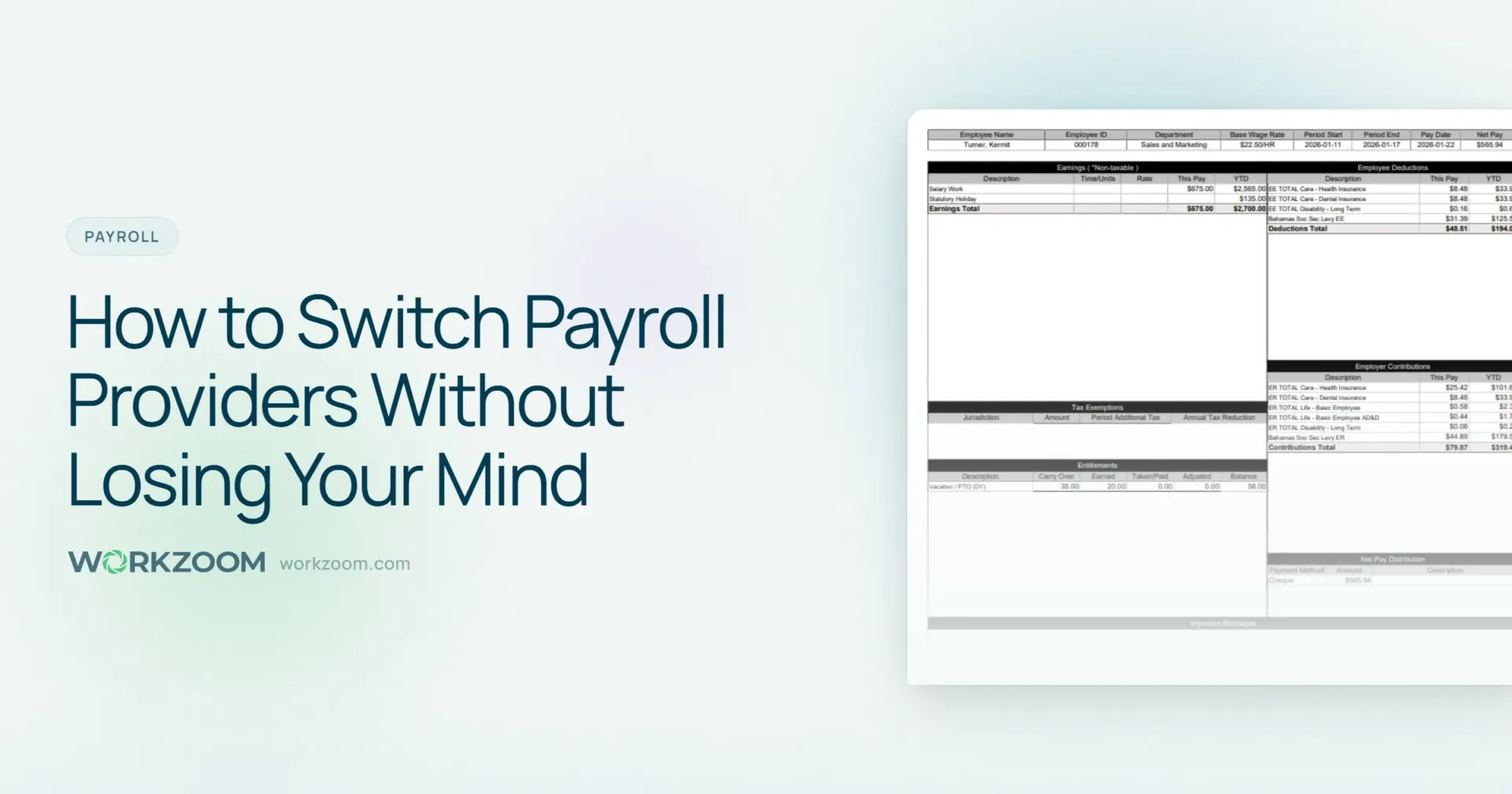
To switch payroll providers, start planning 8 to 12 weeks before your target go-live date. Export all employee data and year-to-date figures from your current provider, choose a replacement, configure pay rules in the new system, run at least one parallel payroll cycle to catch errors, then cut over. The best time to switch is January 1 for a clean YTD start, but mid-year switches work if you transfer CPP, EI, and tax balances correctly.
The Reason You’re Reading This at 11 PM
Nobody switches payroll providers for fun. You’re here because something broke. Maybe it was the third correction this month. Maybe it was the CRA penalty letter. Maybe it was the moment your payroll administrator said, “I can’t do this anymore,” and you realised they meant the software, not the job.
Here’s what nobody tells you about switching payroll providers: it’s not that hard. What’s hard is the fear around it. The fear of missed paycheques, botched tax remittances, and the vague sense that you’ll somehow make things worse.
But the Workforce Institute at Kronos found that 49% of employees start looking for a new job after just two payroll errors. Not ten. Not a pattern over months. Two mistakes, and half your workforce has one foot out the door.
Staying with a broken system doesn’t lower the stakes. It guarantees you keep paying the price.
Timing Your Exit
The best time to switch payroll providers is January 1. The second-best time is the start of a new quarter. The third-best time is right now, because waiting until January while your current system racks up errors and penalties isn’t “saving” anything. You’re just pre-paying for more corrections.
Why January is ideal: Year-end is a natural cut-off. Your old provider issues T4s (or W-2s if you have US employees), you close the books, and your new provider starts fresh with zero year-to-date balances. No data migration headaches. No split-year reporting.
Why mid-year switches are survivable: If you can’t wait, you can’t wait. Mid-year migrations require transferring year-to-date balances for every employee, including CPP and EI contributions, income tax deducted, and all benefit deductions. It’s doable. It just requires more verification. The key is running parallel payroll for at least one cycle to catch discrepancies before they hit employee bank accounts.
The Complete Switching Checklist
We call this the Clean Cut Framework: four phases, eight weeks, zero surprises. Print it. Pin it to your wall.
Phase 1: Before You Leave (Weeks 1-2)
Review your current contract. Check for cancellation notice periods, early termination fees, and data export obligations. Some providers require 30 to 90 days’ notice. Others will hold your data hostage if you don’t request exports in writing. Get this in writing before you announce anything.
If you’re on ADP, check your master services agreement for the auto-renewal clause. Ceridian (Dayforce) contracts often have 12-month minimums with 60-day cancellation windows. Wagepoint is month-to-month, which makes the exit easier but you still need to request your data export explicitly. The point: read the fine print before you make the call.
Request a complete data export. You’ll need:
- Employee master list (names, SINs, addresses, birth dates, hire dates)
- Year-to-date payroll summaries per employee, per quarter
- Current pay rates, salary schedules, and pay frequencies
- All active deductions (benefits, garnishments, union dues, RRSP contributions)
- Direct deposit banking information
- TD1 federal and provincial forms on file
- CRA payroll account number and remittance frequency
- Workers’ compensation rates and account numbers by province
- Vacation and sick leave accrual balances
Document your current payroll process. Write down every step your team takes from timesheet collection to paycheque delivery. Include the workarounds, the spreadsheets, the things someone “just knows” but nobody has ever written down. This documentation helps your new provider configure things properly and reveals exactly which pain points the new system needs to eliminate.
It’s also the single best way to avoid recreating the same problems somewhere else.
Phase 2: Choose Your New Provider (Weeks 2-4)
This isn’t a buying guide. But here are the questions that actually matter during a switch:
| Question | Why It Matters | Red Flag Answer |
|---|---|---|
| What does implementation cost? | Traditional implementations run $15,000 to $75,000+ | “We’ll scope that after you sign” |
| Who handles data migration? | You shouldn’t manually re-enter 200 employees | “We provide import templates” |
| What’s the contract term? | Annual auto-renewal is how you end up here again | “Standard 3-year agreement” |
| Can you run parallel payroll? | Essential for catching migration errors | “Most clients don’t need that” |
| Multi-province compliance? | Quebec alone requires split CRA/Revenu Québec remittances | “We handle all of Canada” (ask about QC in particular) |
A few things worth knowing about the big names. ADP’s per-employee pricing is rarely what you’ll actually pay once add-ons and fees stack up. Ceridian’s Dayforce platform is powerful but built for enterprise, which means implementations that stretch past a year and price tags that match. Wagepoint keeps it simple and affordable for small teams, but if you need scheduling, time tracking, or benefits administration in the same system, you’ll be bolting on integrations. And once you’re managing three or four tools that are supposed to “talk to each other,” you’re back in the spreadsheet.
We’ve written a deeper comparison if you’re weighing options: Best HR Software in Canada (2026).
Phase 3: Set Up and Validate (Weeks 4-6)
This is the phase that separates clean transitions from disaster stories.
Load your employee data. Your new provider should import your master employee list and year-to-date figures. Verify the import against your source data. Check every field. A wrong SIN or a transposed bank account number doesn’t announce itself until payday.
Configure your pay rules. Overtime thresholds. Shift premiums. Statutory holiday pay calculations. Union dues formulas. Benefit deduction schedules. If your old system handled any of these with workarounds, this is your chance to set them up properly. Provincial employment standards vary on overtime, vacation accrual, and termination pay, so make sure your new system has the right rules for every province you operate in.
Set up CRA remittance. Register your existing payroll account with your new provider. Do not open a new CRA payroll account unless the CRA tells you to. Using your existing account ensures continuity of your remittance history.
Test with real numbers. Take your most recent completed payroll and run it through the new system. Compare every line: gross pay, CPP deductions, EI premiums, federal tax, provincial tax, net pay. If any number is off by even a cent, find out why before going live.
Phase 4: Go Live (Weeks 6-8)
Communicate with employees. Tell them what’s changing and what isn’t. Payday stays the same. Direct deposit stays the same. The pay stub might look different. Give them a contact person for questions. Zero surprises.
Process your first live payroll early. Run it with enough lead time to catch and correct issues before the deposit date. Most providers recommend 3 to 5 business days earlier than normal for the first run.
Verify deposits and remittances. Confirm every employee got the correct net pay. Check that CRA remittances were submitted on time. CRA penalties start at 3% for remittances 1 to 3 days late and escalate to 10% for amounts more than 7 days overdue, with repeat offences triggering an additional 20%.
Cancel your old provider after two successful runs. Keep your exported data for at least seven years (CRA record-keeping requirements). Download everything before you lose access.
The Three Mistakes That Derail Every Switch
We’ve seen dozens of payroll transitions. The same mistakes keep showing up.
1. Not transferring year-to-date data
If you switch mid-year and don’t carry over YTD figures, your new system will calculate CPP and EI from zero. Your employees will be over-deducted. Their T4s will be wrong. The CRA will have questions.
The fix: export a per-employee, per-quarter breakdown of all year-to-date earnings, deductions, and employer contributions. Import it into the new system before your first live run. Verify the totals match, employee by employee, before anyone gets paid. Non-negotiable.
2. Forgetting about garnishments
Court-ordered garnishments, child support deductions, and CRA requirements to pay (RTPs) are legal obligations, not optional deductions. If they don’t transfer to your new system, you’re in violation.
Same goes for benefits deductions. A group insurance premium that’s off by $20 per pay period doesn’t look like a crisis. Until you multiply it by 26 pay periods and 50 affected employees. That’s $26,000. From a $20 mistake.
Do the math on small errors. They compound fast.
3. Skipping the parallel run
Some companies skip parallel payroll to save time. The American Payroll Association estimates a 1% to 8% error rate in companies using manual payroll processes. At 200 employees, even a 1% error rate means two people get paid wrong on your very first run with the new system. A parallel run is your safety net. It’s one extra pay cycle of double work. That’s it. Compare that to the cost of fixing live errors while fielding calls from employees whose rent cheques bounced.
What You’re Actually Paying For (And What You Shouldn’t Be)
Let’s talk about what payroll switches actually cost, because the sticker price on a new system is almost never the real number.
With ADP and Dayforce, the implementation fee is often the first surprise. We’ve seen quotes from $20,000 to $80,000 for mid-market companies, with timelines stretching 6 to 18 months. That’s before you add per-employee fees, module add-ons, and the annual price increases that show up in year two.
Smaller providers like Wagepoint or Rise People keep the per-employee pricing transparent, which is genuinely refreshing. But if you need more than payroll, time tracking and HR and benefits and scheduling, you’re stitching together three or four systems that each have their own login, their own data silo, and their own support team.
The hidden cost of any payroll system isn’t the monthly invoice. It’s the spreadsheets your team maintains to bridge the gaps between disconnected tools. It’s the 29 weeks per year EY estimates payroll teams spend on manual corrections and rework. It’s the workarounds that nobody talks about in the demo.
Workzoom charges $4/employee/month for payroll. No implementation fees. Month-to-month terms. If it doesn’t work, you leave. Payroll, HR, time tracking, and scheduling all live in one system, which means the spreadsheet workarounds disappear.
Why Workzoom Exists for This Exact Moment
We built Workzoom because we kept watching the same story play out. A company outgrows their payroll provider, gets quoted $40,000 for an implementation that takes a year, signs the contract because what choice do they have, then spends the next three years paying for modules they were told they needed.
We took the opposite approach.
$4/employee/month for payroll. For a 200-employee company, that’s $800/month. Full stop.
No implementation fees. Our onboarding team handles data migration, system configuration, and parallel testing. Included.
Month-to-month terms. No annual contract. No termination penalty.
Multi-province Canadian payroll built natively. CPP, EI, QPP, QPIP, provincial tax calculations, workers’ compensation, statutory holiday pay, and payroll deductions across every jurisdiction. Not bolted on from a US system. Not outsourced to a third-party engine.
The reason most payroll systems fail isn’t the payroll math. It’s the gaps. When time tracking lives in one system and scheduling lives in another and HR lives in a third, your payroll team becomes the human glue holding everything together. That’s not sustainable. And it’s not what you’re paying them for.
If any of this sounds familiar, that’s worth a conversation. Not a pitch. Just a 15-minute call about whether Workzoom fits what you actually need.
The Bottom Line
Switching payroll providers feels like defusing a bomb. I get it.
But the real risk is the system you’re already sitting on. The one that costs you $291 every time it makes a mistake. That drives half your employees to job-hunt after two errors. That eats your payroll team’s year in corrections and workarounds and “just double-check that in the spreadsheet.”
The switch takes 8 to 10 weeks. The pain of staying takes 52 weeks a year.
You’ve already done the hardest part. You started researching. Now pick a date, follow the Clean Cut Framework, and stop paying for a system that isn’t paying you back.
Frequently Asked Questions
Stay in the loop
Canadian HR, payroll, and workforce insights. No spam.
You’re subscribed!
See Automated Payroll in Action
One platform for HR, workforce, payroll, and talent. $4–$16/employee/month depending on which suites you need. No setup fees, no contracts.
More from the Blog