
Onboarding software that gets new hires to payroll before day one
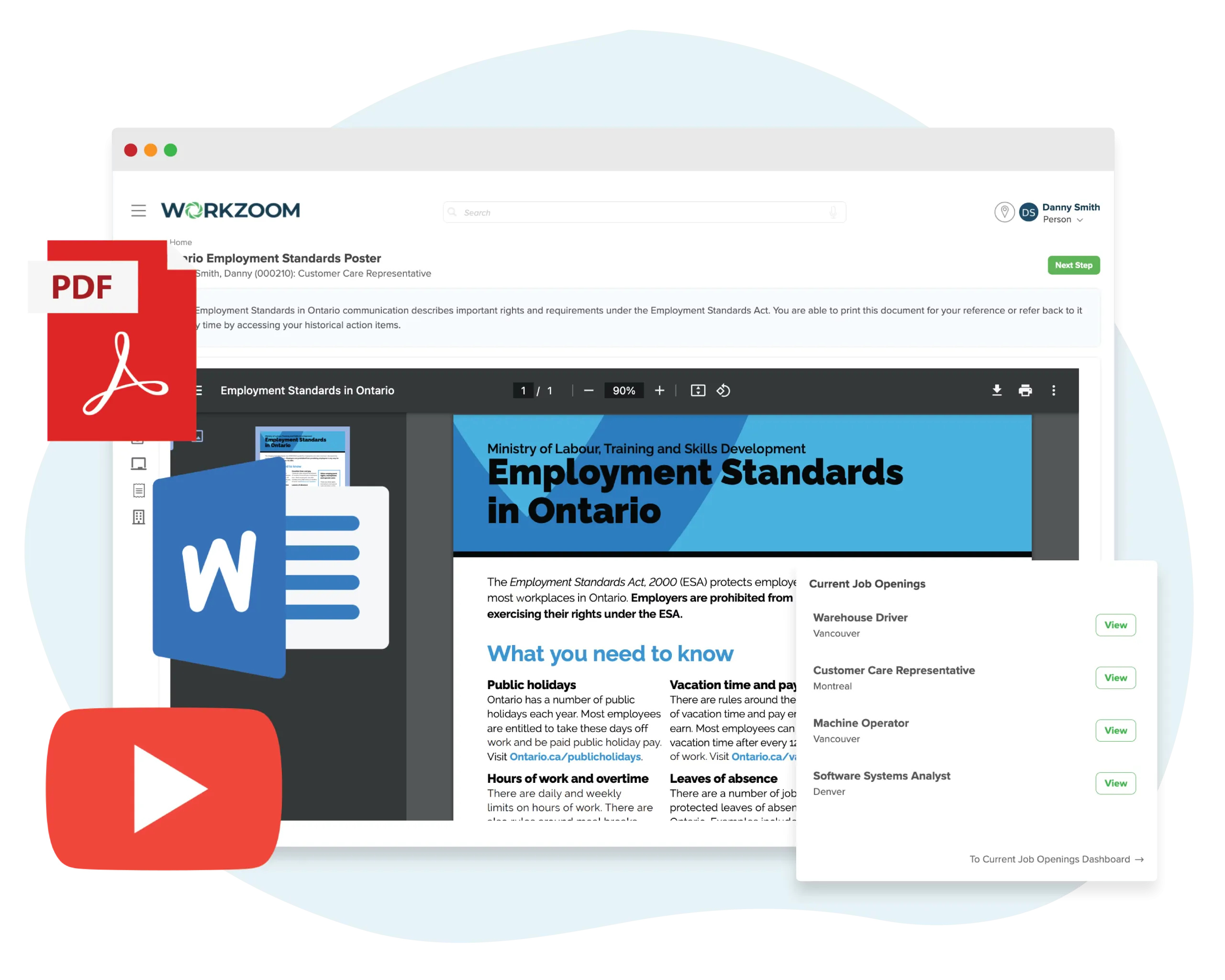
Candidate data flows in from recruiting. Digital checklists, document collection, and compliance tasks complete through self-service. Tax forms and banking details reach payroll without re-entry. One record from offer to first pay run.
The real problem
New hires deserve better than paper and guesswork
Day one starts with a stack of paperwork instead of actual work.
Tax forms, banking details, emergency contacts, policy acknowledgements, benefit elections. All collected by hand. All re-entered into systems that should already have the data.
Every department onboards differently. Some don't onboard at all.
Operations has a checklist in a shared drive. Finance uses email. The warehouse hands new hires a safety manual. Nobody is confident every step actually gets completed.
Compliance documents live in filing cabinets, email attachments, and shared folders nobody maintains.
Work permits expire without warning. Safety certifications are completed but never recorded. Background checks sit in someone's inbox. An audit would be a nightmare.
Three steps between accepted offer and first pay run.
New hires complete paperwork before day one. Checklists assign the right tasks to the right people. Documents auto-file to Personnel and tax details land in Payroll — ready for the first pay run without re-entering a field.
New hires arrive ready, not buried in forms
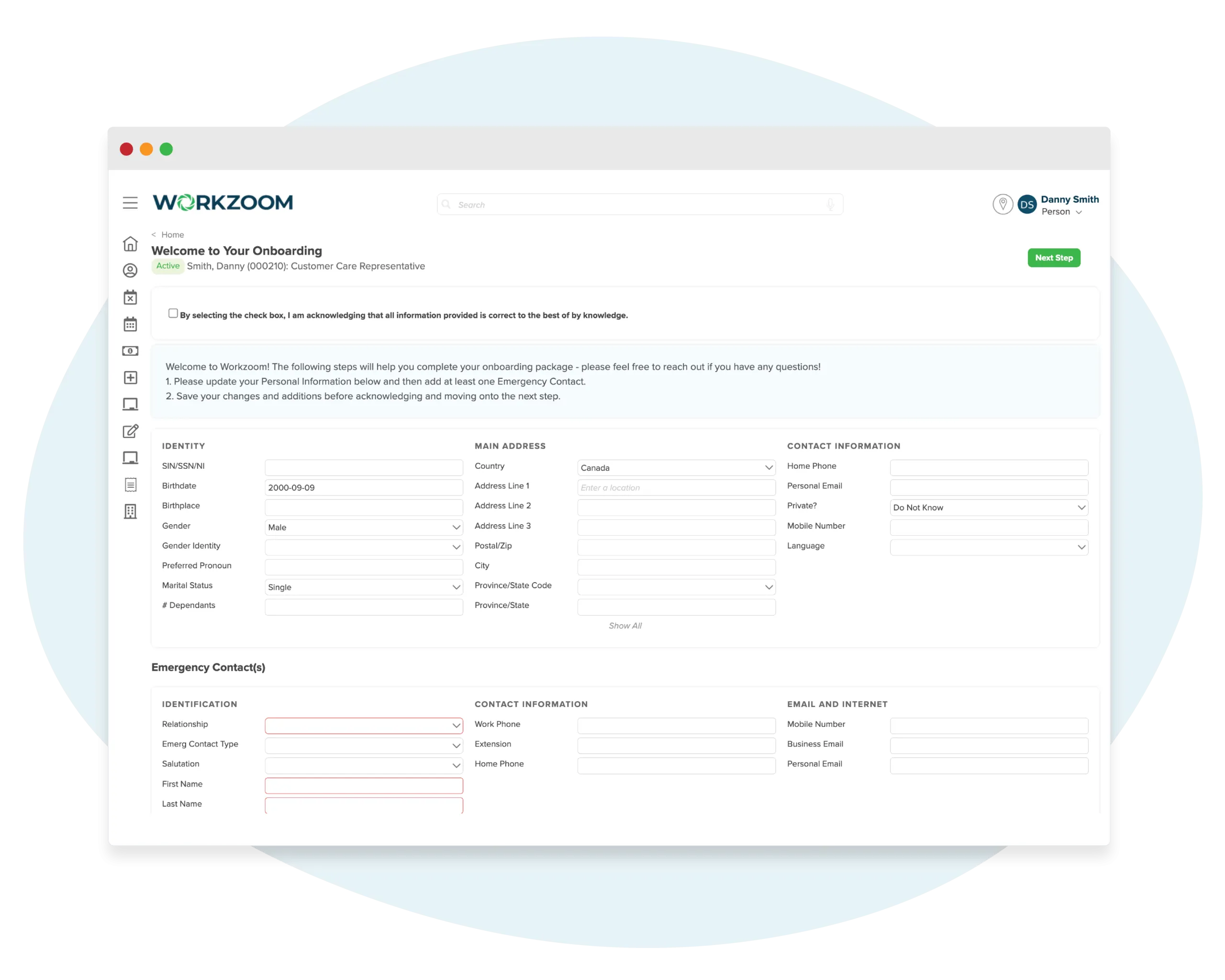
The moment a candidate accepts their offer in Recruiting, onboarding begins automatically. New hires receive a welcome portal where they complete government forms, upload documents, provide banking details, and review company policies — all before their first morning. No paper. No chasing signatures. No first-day admin bottleneck.
- Initiate digital onboarding the moment a candidate accepts — before their first day
- Collect W-4s, TD1s, NIB forms, and other government documents with e-signature
- Capture banking details, emergency contacts, and benefit selections in self-service
Every department, every role, every location covered
Different roles need different onboarding. A warehouse driver in Montreal doesn't follow the same checklist as a software analyst in Toronto. Workzoom configures automated checklists by role, department, and location — assigning tasks to HR, IT, managers, and the new hire themselves. Nothing falls through the cracks because every task has an owner and a deadline.
- Configure onboarding workflows by role, department, work location, or any combination
- Assign tasks across HR, IT, hiring managers, and the new hire with automated reminders
- Track completion in real time with approval gates before advancing to the next stage
Everything auto-filed. Nothing lost.
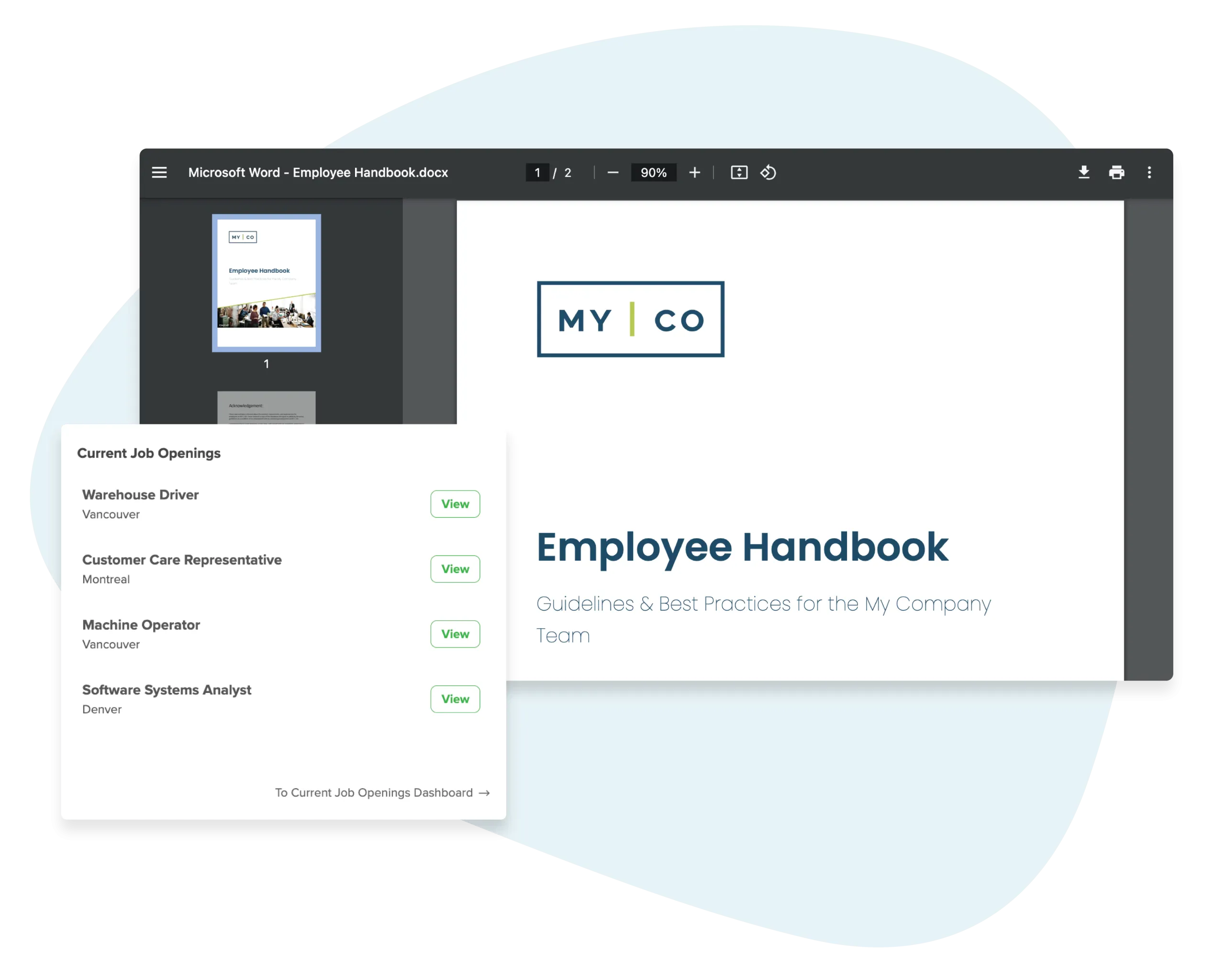
Every document collected during onboarding auto-files to the employee's permanent record in Personnel. Safety training and compliance courses complete through the Learning module before day one. Background checks, work permits, and police certificates are tracked and stored — not scattered across 60 locations in filing cabinets. When onboarding completes, tax forms and banking details are already in Payroll, ready for the first pay run.
- Auto-file every onboarding document to the permanent employee record in Personnel
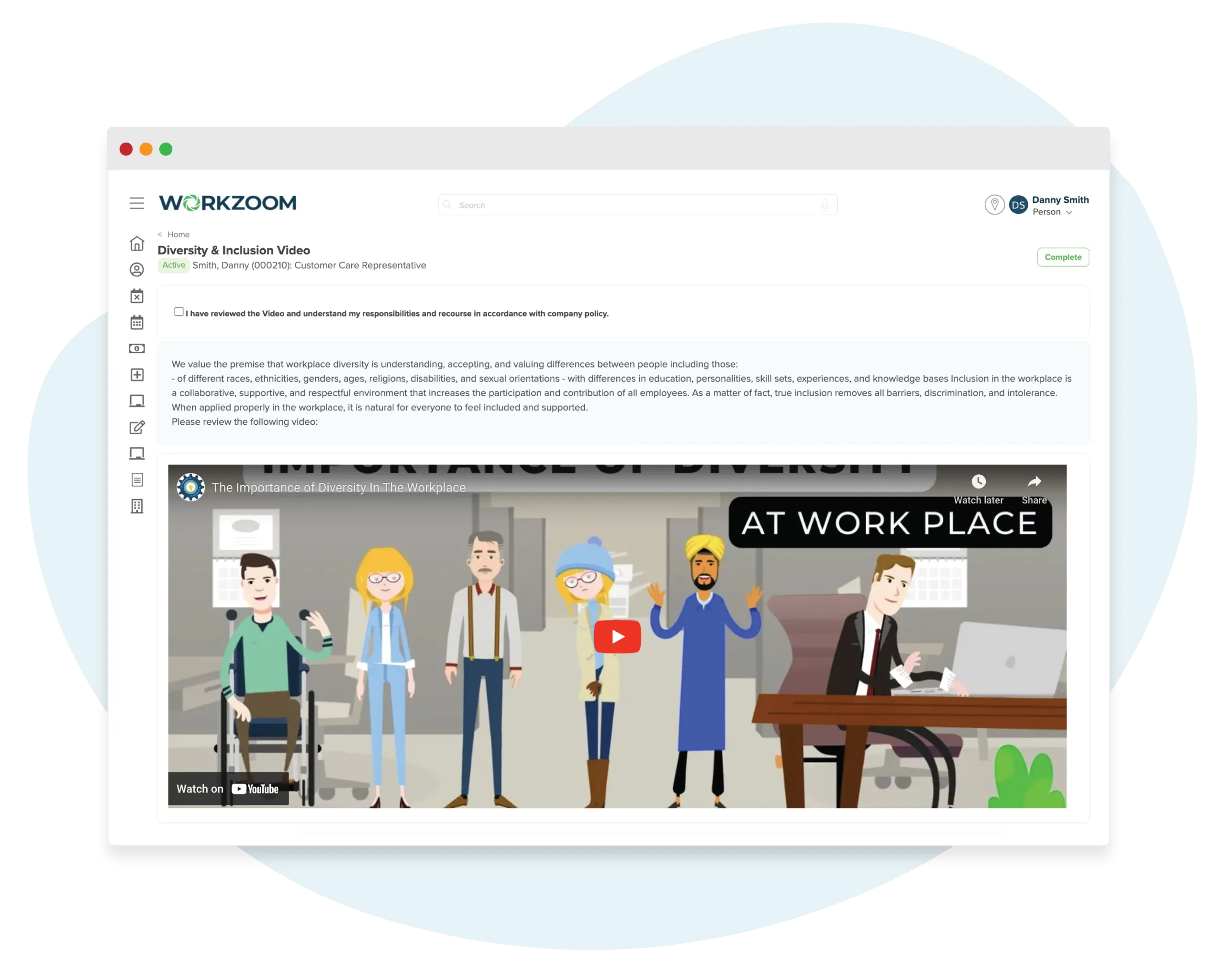
- Deliver safety training and compliance courses through the Learning module before day one
- Track background checks, work permits, and certifications with expiry date alerts
The bridge between hiring and employment.
Standalone onboarding tools create another silo. Basic HRIS platforms treat onboarding as an afterthought. Workzoom built it as the connective tissue between recruiting, HR, payroll, and learning.
Recruiting
Candidate data, resume, offer details
Onboarding
Checklists, compliance, tax forms, training
Personnel
Documents auto-filed, date-effective record starts
Payroll
Tax forms, banking details, first pay ready
Learning
Compliance training, safety certs before day one
Performance
Probationary reviews auto-triggered
Onboarding that connects recruiting to payroll
-
Candidate data flows in from Recruiting automatically. Name, resume, offer details, and interview notes arrive the moment the offer is accepted. No CSV export, no copy-paste, no re-entry
-
Pre-day-one digital paperwork with e-signatures. Government forms (W-4, TD1, NIB), banking details, document uploads, and policy acknowledgements completed before the start date
-
Checklists configurable by role, department, and location. A site supervisor in Jamaica gets different tasks than a finance analyst in Toronto. HR, IT, managers, and the new hire each get their own assignments
-
Documents auto-file to the permanent employee record. Everything collected during onboarding goes straight to Personnel with date-effective history. No separate filing step, no onboarding silo
-
Tax forms and banking details ready for first payroll. Same database as Payroll. No integration, no middleware, no second data entry step. The first pay run works because the data is already there
-
Compliance training delivered through the built-in LMS. Safety certifications, policy acknowledgements, and required courses assigned during onboarding and tracked through the Learning module before day one
-
$4/employee/month for the full HR suite including onboarding, recruiting, personnel, organization, and engagement. Payroll, talent, and scheduling each $4 additional
Onboarding as a silo, not a bridge
-
Manual re-entry from a separate ATS. Candidate data exported, reformatted, and imported into the onboarding tool. Names misspelled. Fields missed. Data out of sync before day one
-
Paperwork on day one or basic e-signature bolted on. Limited form selection with no multi-country support. Caribbean compliance forms (NIB, work permits, police certificates) not available
-
One-size-fits-all checklists or basic department filtering. No location-level configuration for multi-site operations. 60 locations means 60 variations handled manually
-
Onboarding data lives in a separate silo. Documents don't auto-file to the permanent employee record. HR re-enters or manually transfers files after onboarding ends
-
Payroll requires a separate setup step. Tax forms collected again. Banking details entered again. Integration errors delay the first pay run. The new hire notices
-
Compliance training requires an external LMS with a separate login, separate tracking, and separate cost. No connection to the onboarding workflow or the employee record
-
$6-15/employee/month for the onboarding tool alone. ATS, HRIS, payroll, and LMS billed separately. Four vendors, four logins, four support teams
No setup fees. No long-term contracts.
How we work together to configure onboarding software for your team.
Your implementation coach helps you build checklists, configure compliance workflows, connect recruiting to onboarding, and ensure new hire data reaches payroll without re-entry.
New Hire Portal and Self-Service
Configure the self-service portal new hires see before their first day. Set up welcome messaging, document upload requirements, tax form collection (W-4, TD1, or NIB depending on country), banking details, and emergency contacts so everything is completed before they walk in.
Checklists by Role, Department, and Location
Build onboarding checklists that vary by who is being hired and where. Assign tasks across HR, IT, the hiring manager, and the new hire themselves. Set deadlines, approval gates, and automatic reminders so nothing falls through the cracks across departments or locations.
Compliance Documents and Training
Define which compliance documents are required by role and jurisdiction. Configure background check tracking, work permit management, and policy acknowledgements. Connect safety training and certifications through the Learning module so compliance requirements are met before the start date.
One Record from Offer to First Paycheck
Map which onboarding data auto-files to the permanent employee record in Personnel. Tax forms, banking details, and compensation rates collected during onboarding are ready for the first pay run without separate payroll setup. From accepted offer to first paycheck, the data only needs to be entered once.
See how new hires complete paperwork before day one.
Pick a time and we'll walk through digital checklists, document collection, compliance tracking, and how onboarding data flows from recruiting through to the first payroll without re-entry.
Onboarding connects to Recruiting, Personnel, Payroll, and Learning across the full Workzoom platform.
Onboarding Software Questions
More from HR.
View all HRRecruiting
Where every onboarding journey begins. Candidate data collected during recruiting flows directly into onboarding without re-entry.
Explore RecruitingPersonnel
Where onboarding data lands permanently. Documents, tax forms, and certifications collected during onboarding auto-file to the employee record.
Explore PersonnelOrganization
Where onboarding checklists get their structure. Roles, departments, and reporting lines determine which tasks and documents apply to each new hire.
Explore OrganizationEngagement
Measure how new hires feel from day one. Pulse surveys and sentiment tracking start during onboarding so you catch disengagement early.
Explore Engagement